ATS Resume Checker:
Score Your Resume Online
Boost your chances of landing the job with our ATS Resume Checker. Scan your resume from any device, get a personalized score, and receive actionable suggestions.
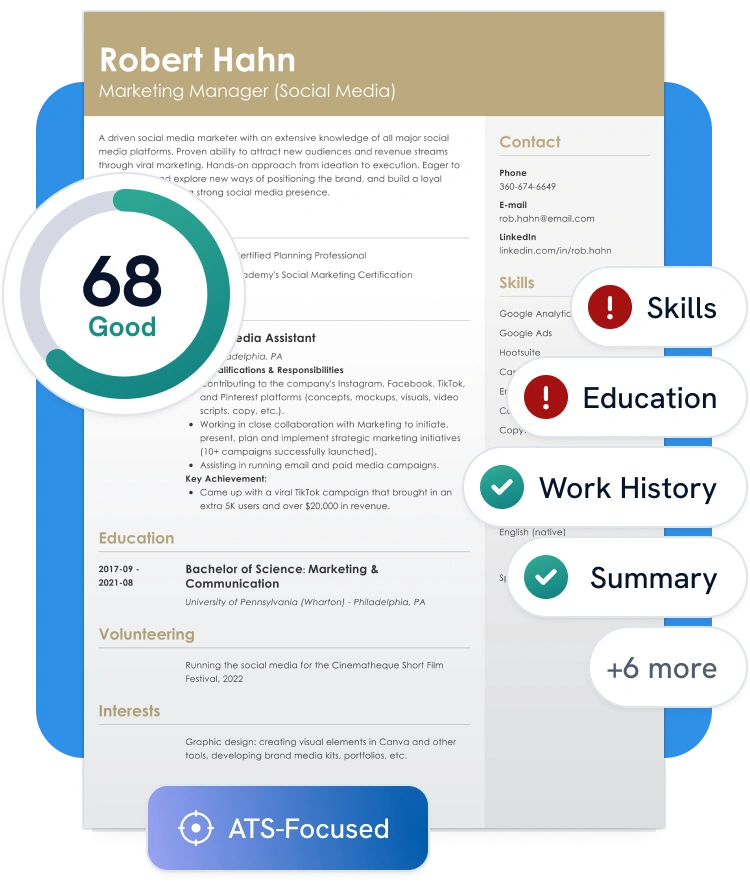
Customers have been hired by: *
Why You Should Use Our Resume Checker

Optimal length
Most employers prefer a resume that fits on one page. Our ATS checker gives you tips to help you highlight your top strengths clearly and concisely.

Fix typos
A polished resume is free of grammar and spelling mistakes. Our resume analyzer catches errors to help you submit a flawless application.

Comprehensiveness
Make sure your resume checks all the right boxes. Our AI tool helps you include the key details employers want to see.

Measurable results
Stand out with results that show real impact. Our scanner helps you add clear, measurable achievements to strengthen your resume.

Word choice
Use powerful action verbs to show your value. The AI resume checker suggests active language that highlights your impact.

Formatting
Clean, consistent formatting helps your resume pass ATS and impress employers. Our checker makes sure your layout is clear and optimized.

Strong summary
Keep hiring managers reading with a compelling resume summary. Get expert tips to make your introduction count.

Customization
Select your job title and get a list of the most important skills and areas of expertise you should include in your resume. Enrich your resume with the right keywords to show you’re the right fit.

Clear contact Info
Don’t miss out on interviews because of missing or hard-to-find details. Our checker ensures your contact info is complete and easy to spot.
Don’t have a resume yet? Use our AI Resume Builder to create a professional, ATS-friendly resume in minutes.
How Our Resume Checker Works
Our resume scanner checks your resume’s layout, content, and style for common errors. We’ll provide improvement tips to take your resume to the next level.
1. Upload your resume
Upload your resume or create a new one and check its score in our dashboard.
2. Get your score
Read your free resume review report and follow the tips to polish your resume.
3. Apply changes
Click “Fix My Resume” to instantly optimize your resume or fix the errors manually.
4. Download and send
Select “Done” when finished and download your flawless resume in your desired format.
What You Get With Zety’s Resume Checker
Our resume checker comes with a resume builder that has everything you need to create a job-winning resume in just a few clicks.
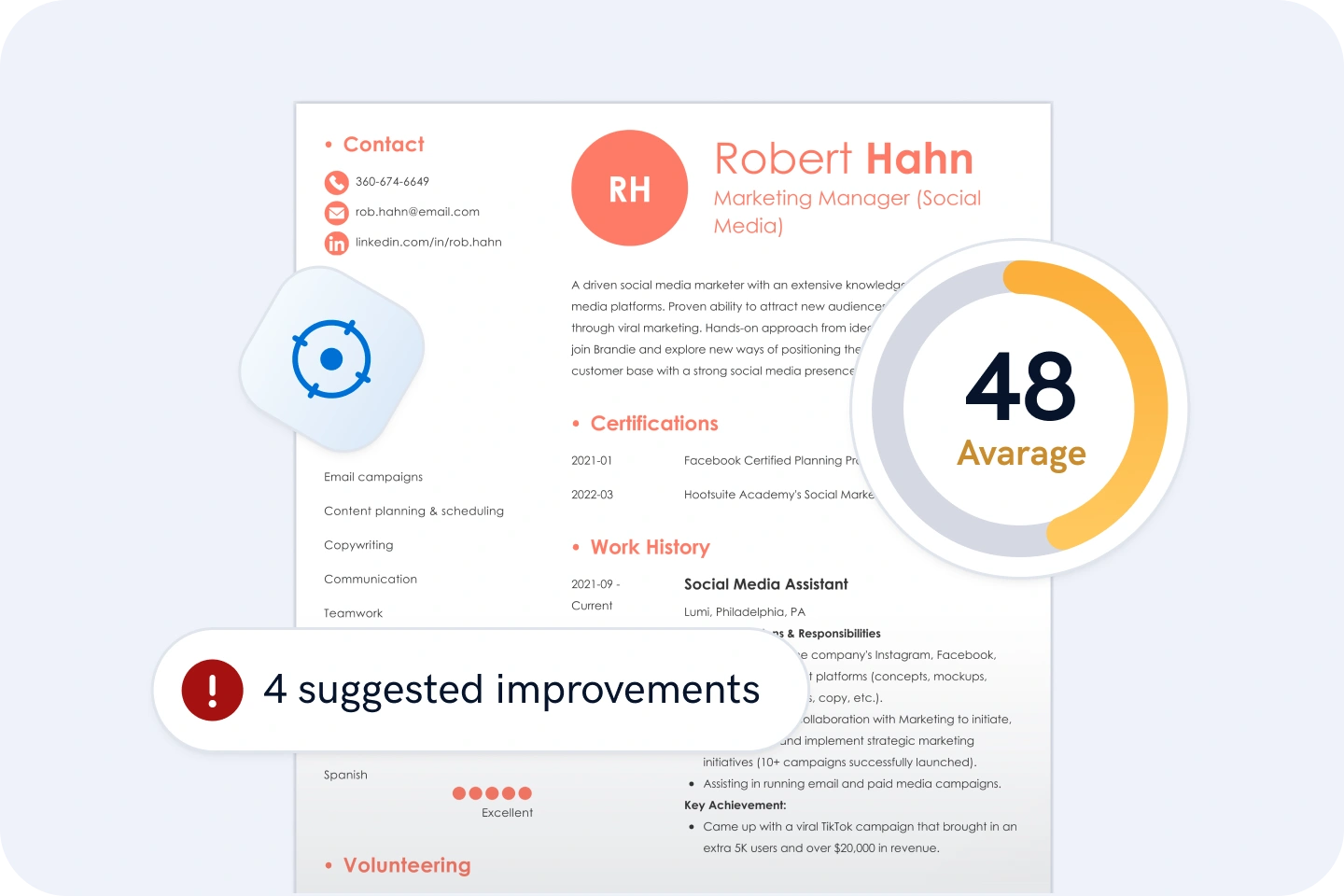
ATS-focused check
Run your resume through our ATS resume checker to get a score and step-by-step tips to help you pass the ATS and get noticed by employers. Our tool scans for keywords, formatting issues, and other ATS blockers so you can improve your chances of landing an interview.
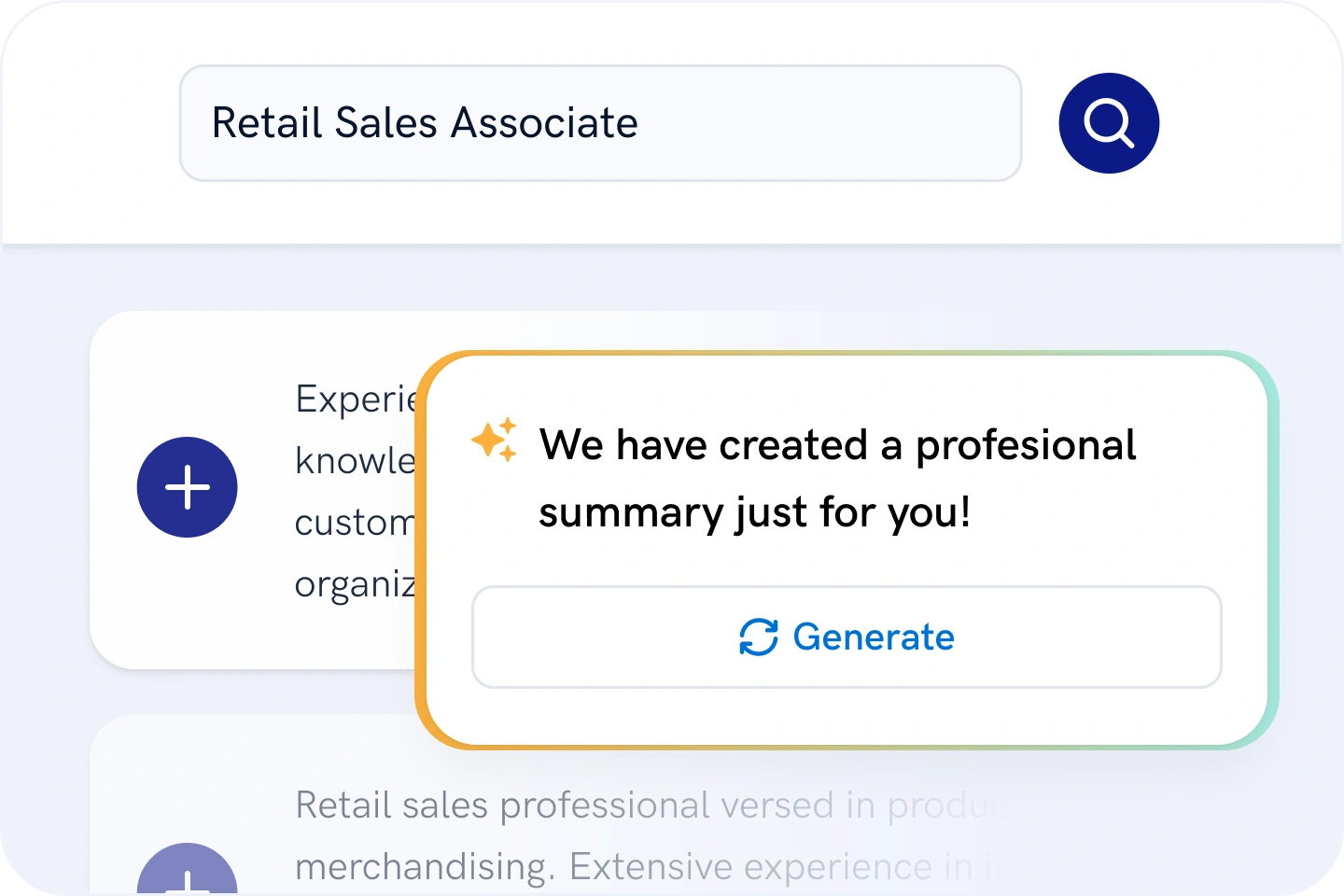
Ready-to-use content
Tell us your target job and we’ll provide specific content suggestions that highlight your best skills and meet employers’ needs. Use pre-written phrases and bullet points tailored to your role to save time and write with confidence.
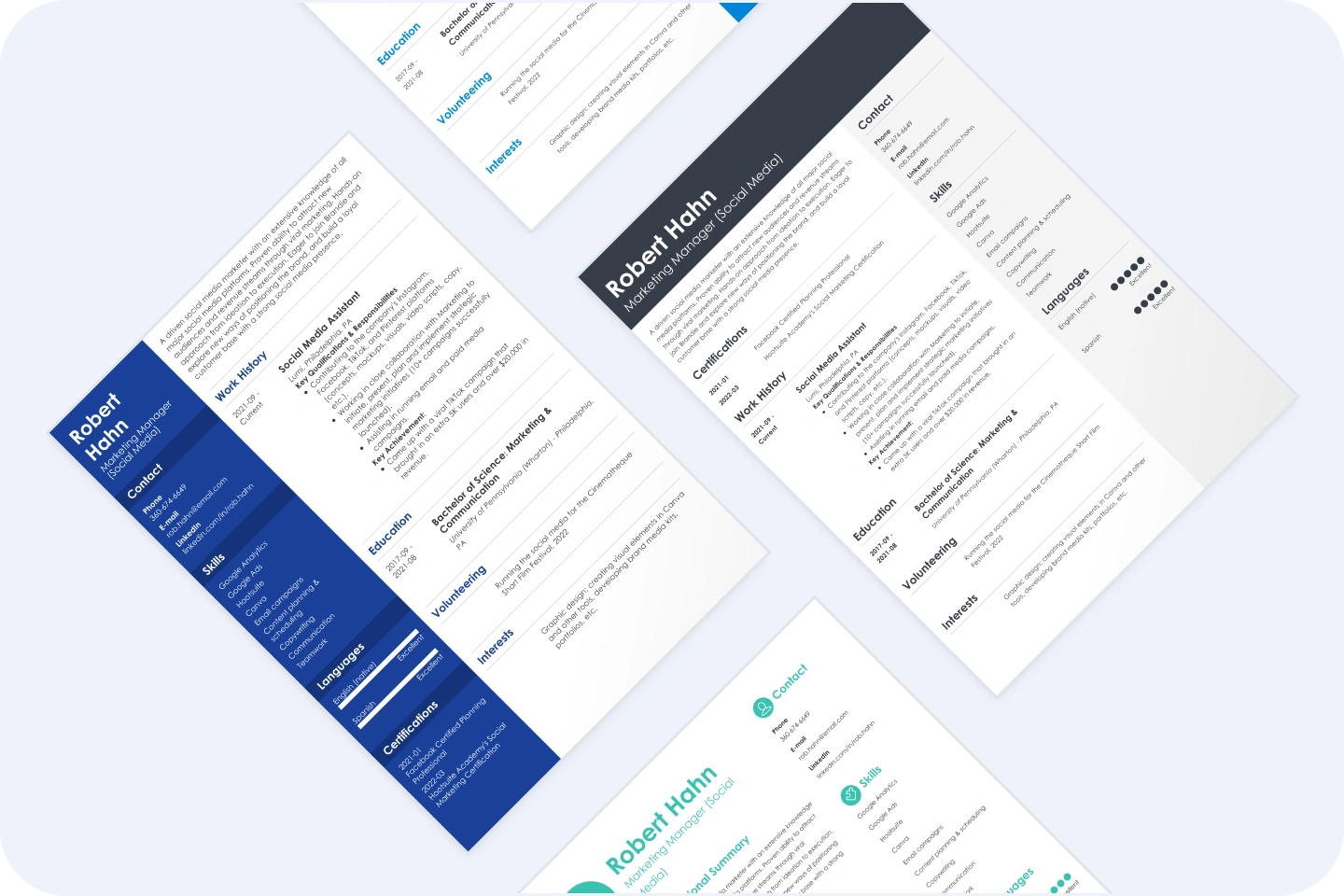
Professional resume templates
Choose from one of our professionally designed templates optimized to pass ATS and showcase your strengths. Whether you’re applying for a corporate role or a creative position, there’s a layout that fits your industry and experience level.
Expert writing tips
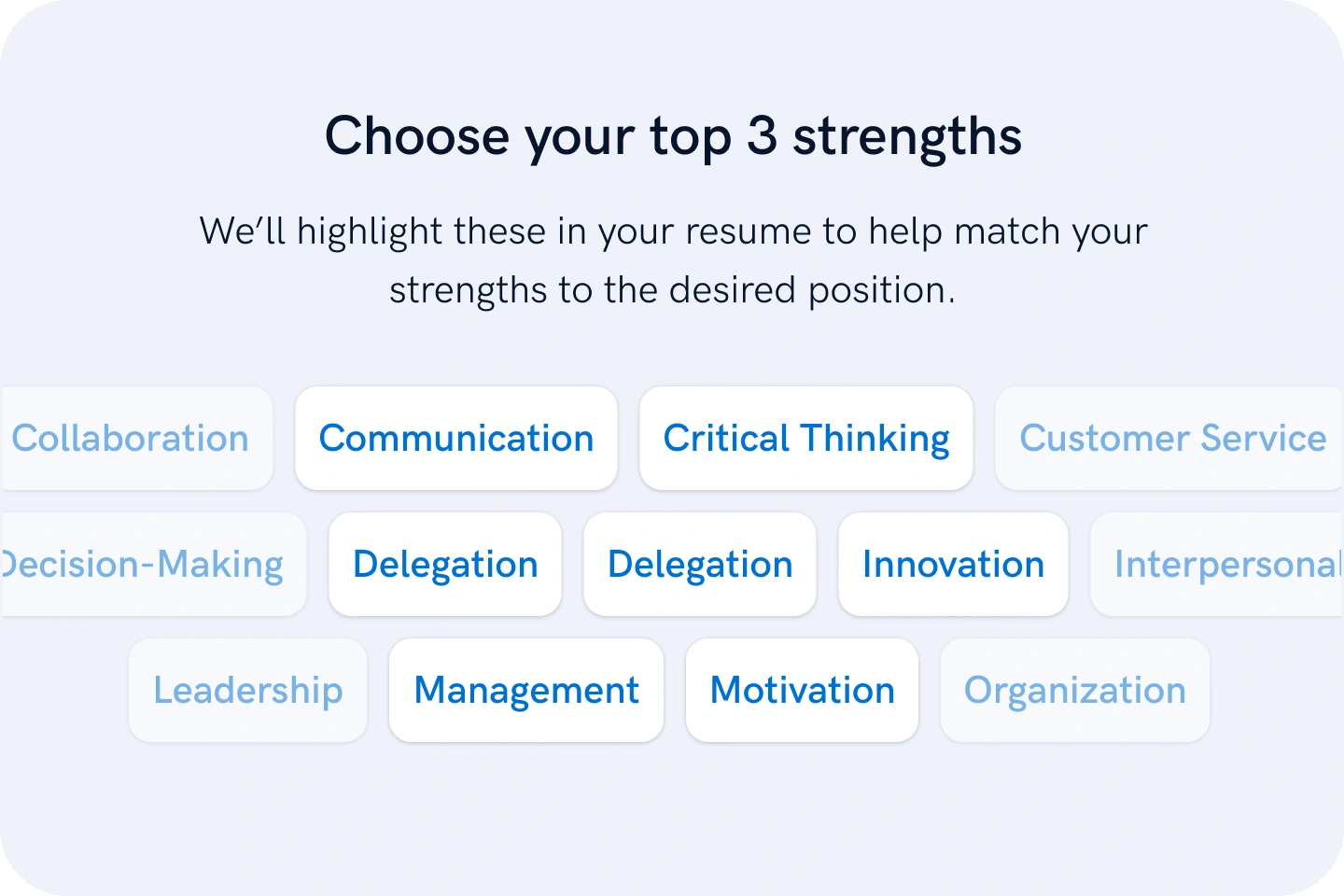
Turn a decent resume into an impressive one with expert guidance from professional resume writers. We’ll show you what to say and how to say it, so your resume sounds polished without feeling overdone.
See Why Job Seekers Rely on Us
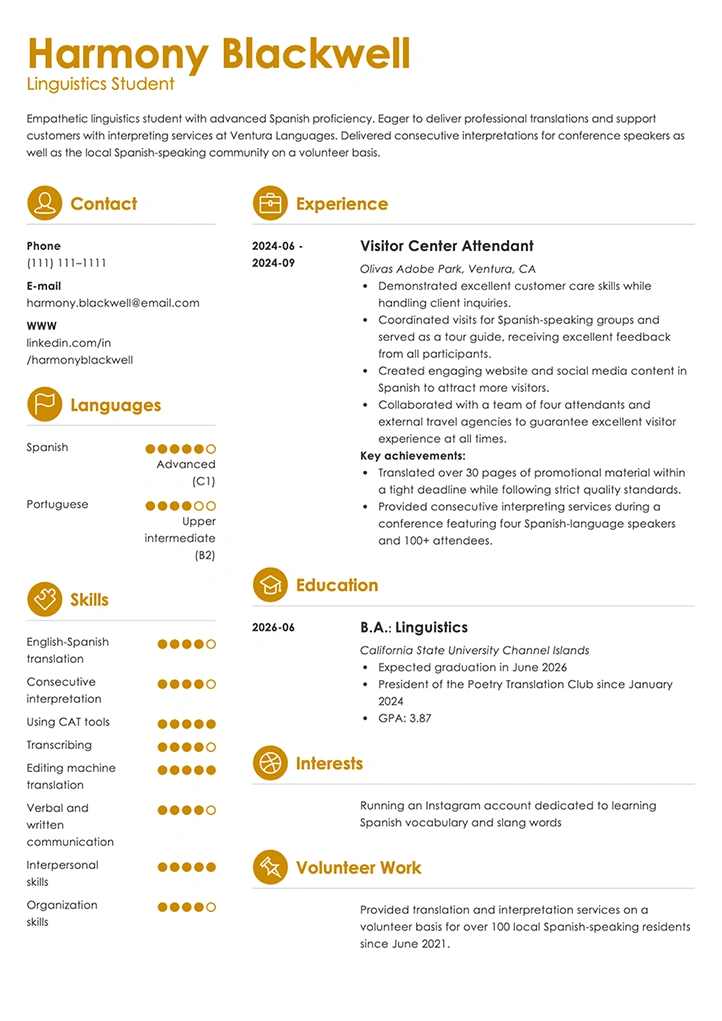
See How The Right Template Transforms Your Resume
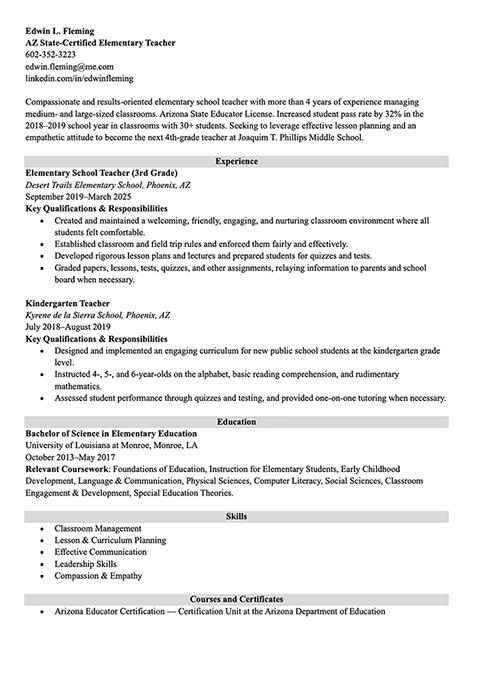
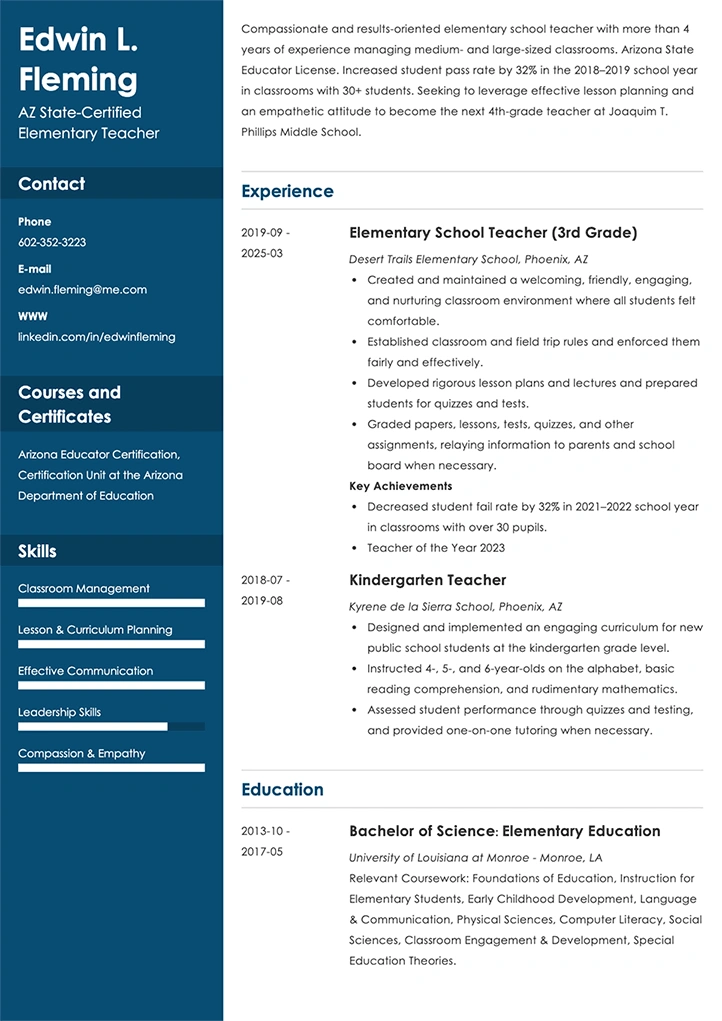
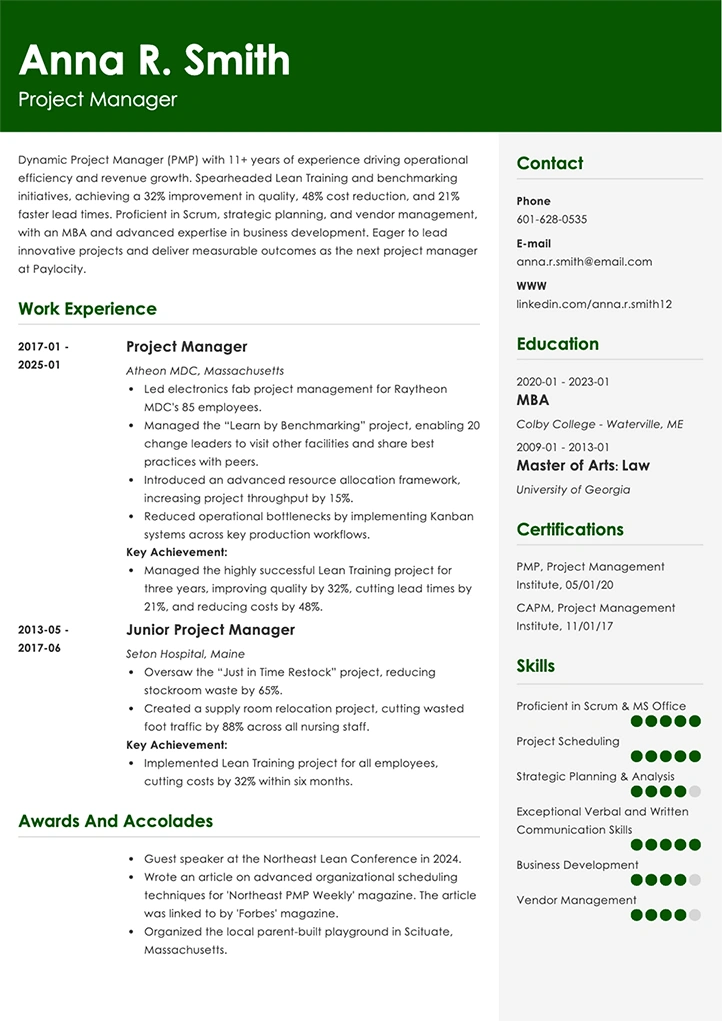
Anyone can spot a good-looking resume—but experts know what makes one truly effective. Our professionally designed templates help you create a resume that’s both eye-catching and built to perform.
Frequently Asked Questions about ATS Resume Checker
What is a resume check?
A resume check is online software that scans your resume and instructs on how to improve your resume. Some of those tools come with an AI resume builder, like ours, so you can create one from scratch or upload one you already have made. You may need to pay a small fee or subscribe to use them.
Our resume checker will automatically scan your document to look for mistakes and opportunities and compare your application to others in our database. You’ll find out what resume sections and keywords need work. The resume review is free if you decide to make a resume with our builder.
How do I know my resume has a good ATS score?
A good ATS score has to be 80% or higher. This score will increase your chances of your resume passing ATS and getting into the hiring manager’s hands. A resume scores 80% or higher if:
- It has consistent formatting and avoids elements like text boxes, tables, or graphics.
- It includes keywords from the job description.
- It uses common terms for sections, such as “Work Experience,” “Skills,” and “Education.”
- It lists skills and experience in bullet points.
Which resume scanner is the best in 2026?
We recommend using Zety’s ATS resume checker to optimize your resume for success and land interviews. Our scanner instantly scores your resume and provides actionable tips to improve in just a few clicks.
Which resume file format is best?
The best resume file format is typically PDF, as it keeps your layout and formatting across all devices. Some employers may ask for a .doc or .docx file, which are easier for certain systems to scan. Always check the job posting for specific instructions, and if it doesn’t specify a file format, use a PDF since it’s usually the safest choice.
Last updated:
ATS Resume Checker: Score Your Resume Online
Transform your career today and join thousands of satisfied users
Create Your Resume Now*The professionals using our tools have previously been employed by these organizations.