
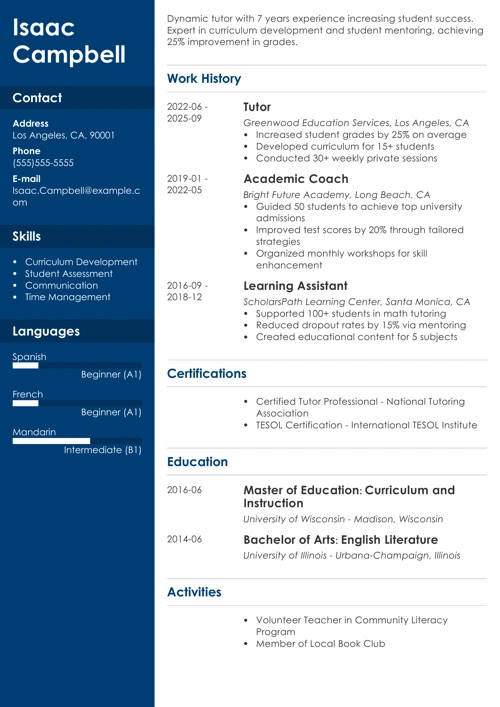
A great resume leverages smart design to highlight your strengths. Small details can make a big difference, and that's where resume icons come in. These simple resume symbols help showcase your skills, contact information, and sections in a clean, modern way.
In this guide, you'll learn where to find free resume icons and how to use them correctly. We'll show you what works and what doesn't, so your resume stands out to hiring managers for all the right reasons.
Want to save time and have your resume ready in 5 minutes? Try our AI Resume Builder. It’s fast and easy to use. Plus, you’ll get ready-made content to add with one click.
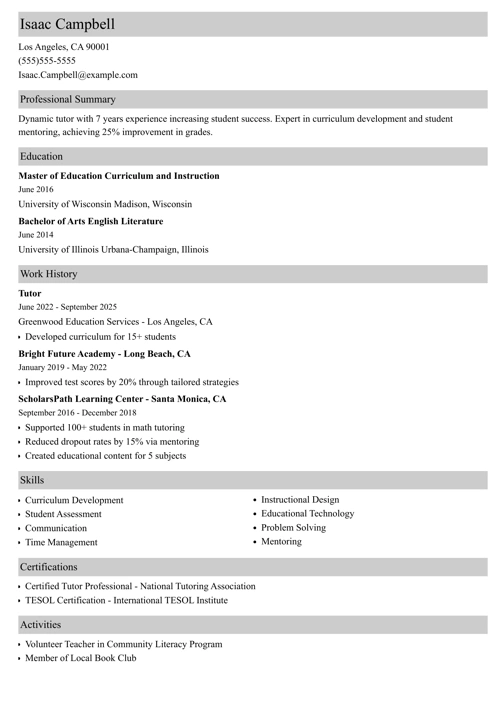
Sample resume made with our builder—See more resume examples here.
What Are Resume Icons?
Icons for a resume are small symbols that enhance the resume's structure, improve readability, and add a touch of personality. Most professionals use them for contact information and section headings.
While common, resume icons can also affect how applicant tracking systems (ATS) read your document. Some icons work well with these systems, while others may cause formatting problems. It all depends on which icons you're using.
Here are the three main types of icons:
- Text-based: These symbols for a resume come from font libraries and behave like regular text. Because they are treated as characters, they are the most ATS-friendly option.
- Vectors: Vector icons are high-quality graphics that stay sharp at any size. They're popular for modern resume templates. The danger with these is that ATS may not always read them correctly. To use vector icons safely, place them next to text (not instead of it), and avoid embedding them in text boxes.
- Images: Resume icons in PNG or JPG format are not ATS-friendly. Most tracking systems cannot read image-based icons, which can lead to skipped important information. Using too many image icons can hurt your chances of getting noticed.
5 Best Places to Find Resume Icons—for Free
We combed the internet and narrowed it down to five websites where you can find quality resume icons for free.
Here's our selection:
1. Icons8
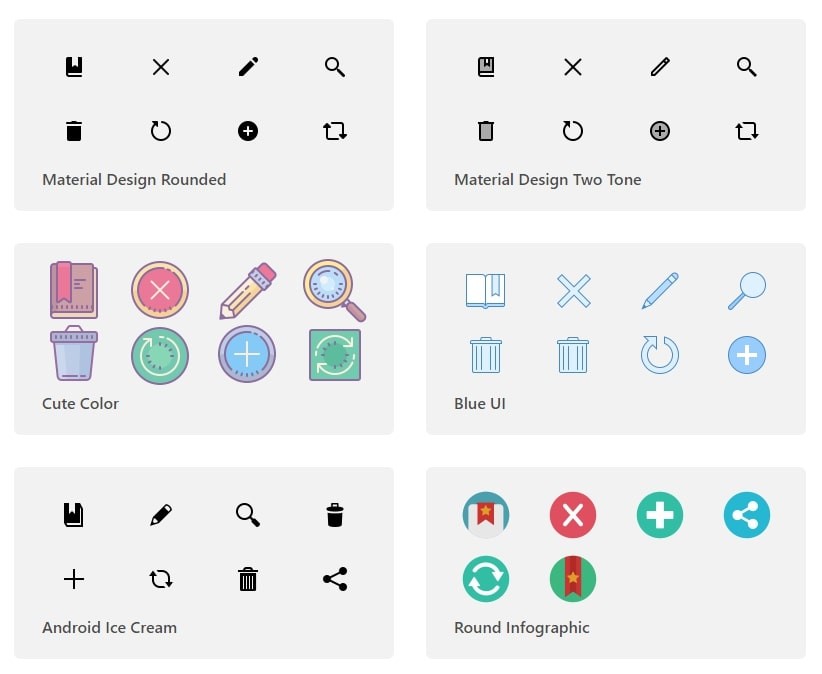
Icons8 offers thousands of icons in many styles, letting you recolor or resize them before you download. Many icons are free to use (with attribution). The site also offers additional design resources, including illustrations and photos.
2. Freepik
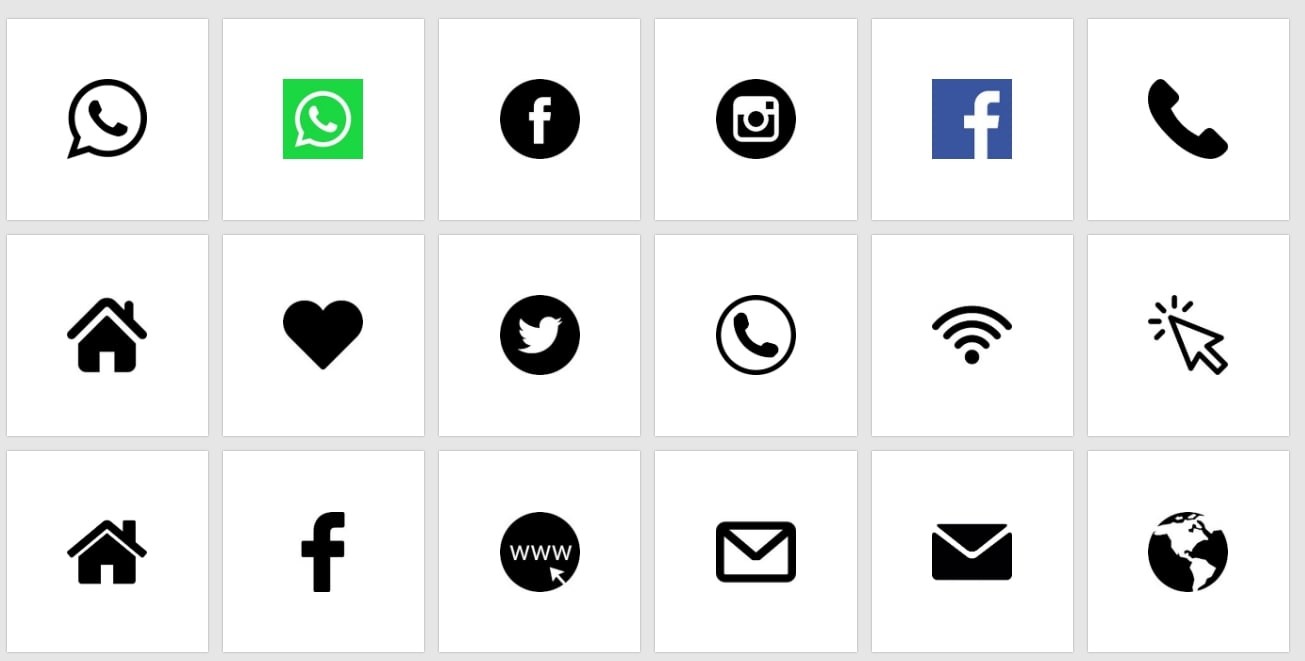
Freepik is a huge online resource with millions of icons, including many vectors you could use for resume design, all searchable by keyword and style. Its catalog includes different visual styles—flat, lineal, colorful, and more—so it’s easy to find icons that match your resume’s look.
3. Flaticon
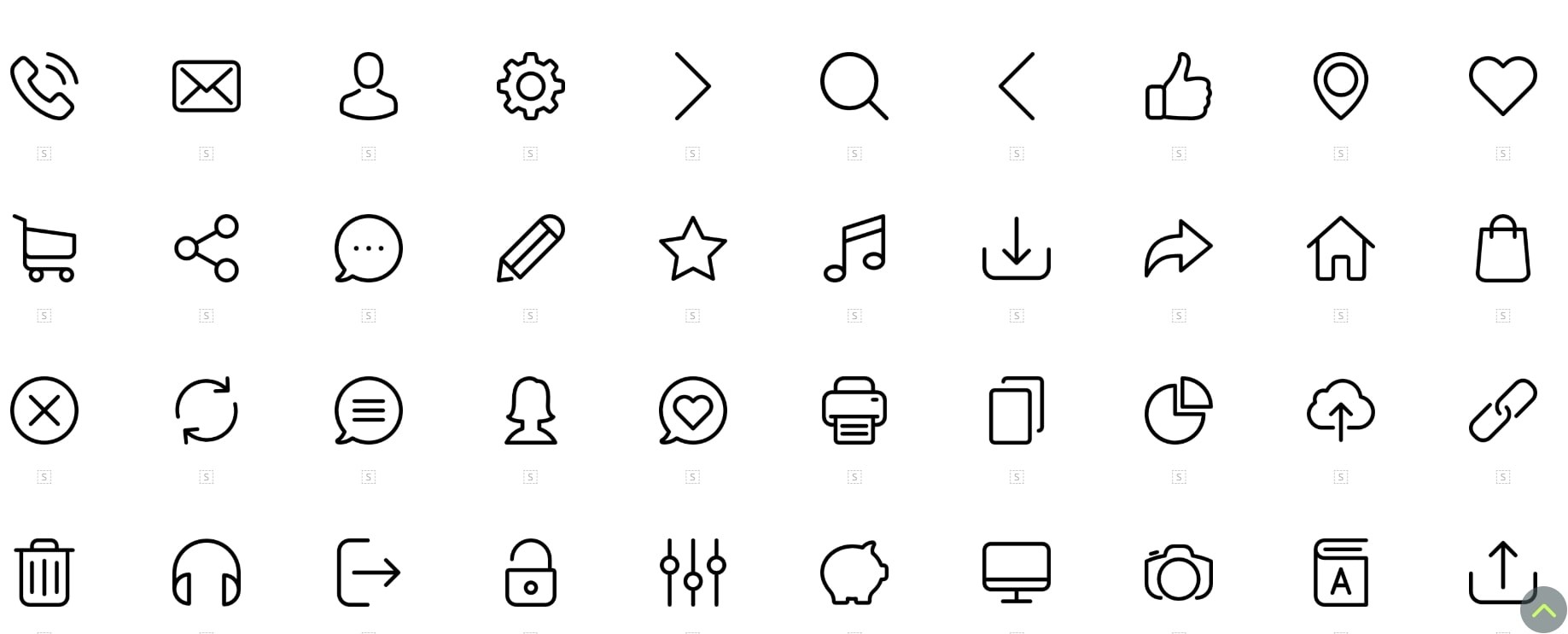
Flaticon has millions of free and premium icons in styles ranging from flat and outline to colorful and 3D, all searchable by keyword or category. The site lets you download icons in multiple formats (SVG, PNG, EPS, and PSD) and even customize their colors and sizes before downloading.
4. Iconmonstr
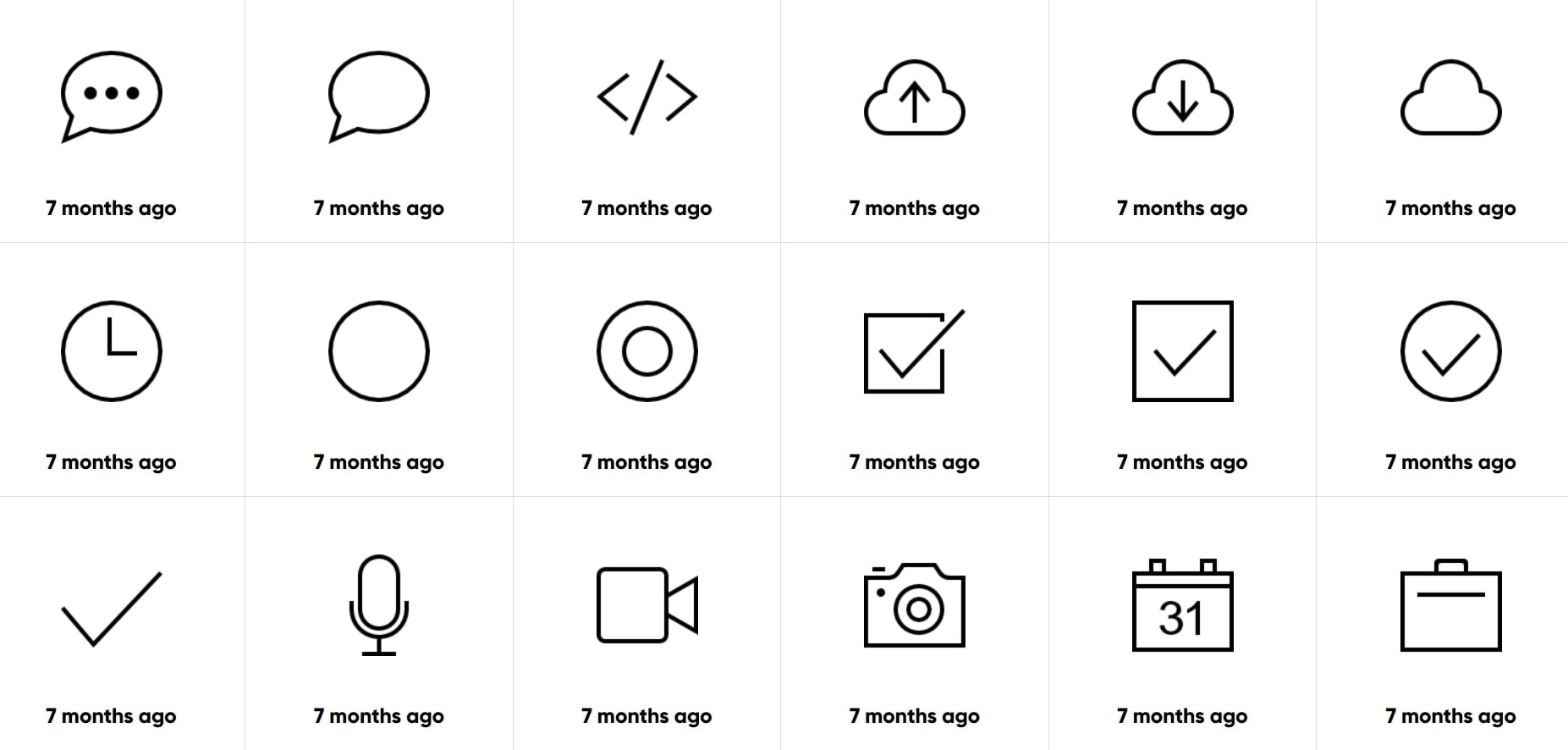
Iconmonstr has thousands of free, simple icons in categories like business, communication, and more, making them great for adding visual clarity to your resume. Because the icons are straightforward and consistent, they're easy to pair with text and fit most resume styles.
5. Iconpacks

Iconpacks is a free online icon library where you can browse and download thousands of icons in formats like SVG and PNG for both personal and commercial use. The site offers a wide range of styles and lets you customize the color and size of icons before downloading, so they fit your resume design.
How to Use Icons on Your Resume
When using icons on your resume, focus on supporting your work experience and skills while improving readability. Resume icons should enhance your qualifications rather than overwhelm them.
Here are a few resume icon rules to live by:
- Use industry-relevant icons. If you're applying for a creative position, unique and colorful symbols can help your resume stand out. For traditional fields like finance or law, stick to simple, single-color, flat designs.
- Keep icon sizes balanced. Icons that are too large can pull attention away from important details and waste valuable space. Icons that are too small may be hard to recognize, disrupting the reading flow.
- Make sure they're sharp. Using the wrong file format or low-resolution icons can make them look blurry and unprofessional. Choose high-quality files that remain clear when resized or moved.
- Pick familiar symbols. While creative icons can be tempting, unclear designs may confuse recruiters. Stick with recognizable symbols—for example, a phone icon for your phone number.
- Use them sparingly. Remember, icons should complement your information, not overwhelm the design. Limit them to your resume header and section titles.
- Choose a resume template with icons. Templates with embedded icons remove the guesswork from sizing and placement. Pick one that fits your industry and personal style, and customize it as needed.
Pro tip: Not sure which icons work best for your industry or role? Check out resume examples that match your field to find inspiration.
What to Avoid When Using Resume Icons
Avoid these common mistakes to keep your resume ATS-friendly and professional:
- Don’t replace important text with icons. Always include clear text next to symbols so both hiring managers and ATS can understand your resume.
- Don’t overdecorate your resume. Using too many icons can make your resume look cluttered and distract from your qualifications. Stick to a few well-placed symbols instead of filling every section with graphics.
- Don’t mix too many styles. Combining different icon styles, such as flat, 3D, or outlined, can make your resume feel inconsistent. Choose one style and use it throughout.
- Avoid using image-only icons for online applications. Image-based icons may not be read correctly by ATS. When applying online, prioritize text- or vector-based formats.
- Don’t ignore alignment and spacing. Make sure your icons line up neatly with your text and leave enough white space.
Making a resume with our builder is incredibly simple. Follow our step-by-step guide, use ready-made content tailored to your job, and have a resume ready in minutes.
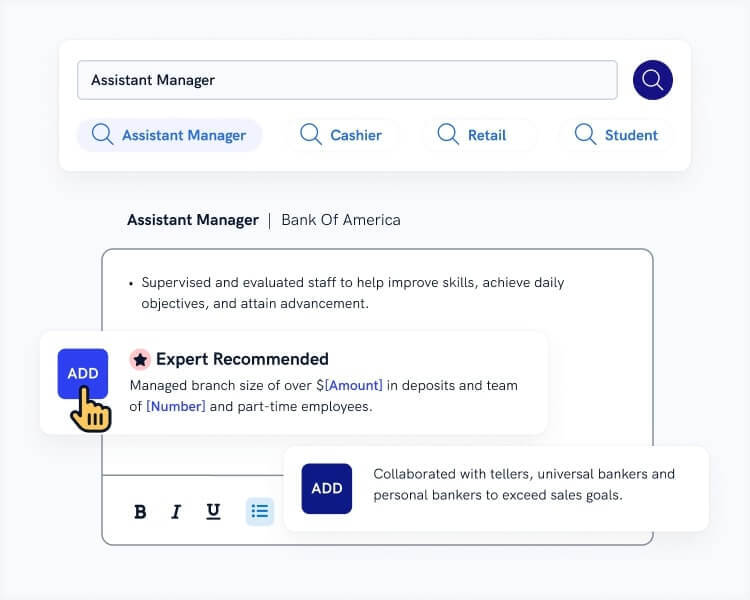
When you’re done, Zety's Resume Checker will score your resume and show you exactly how to improve it.
Sample Resume Templates With Icons
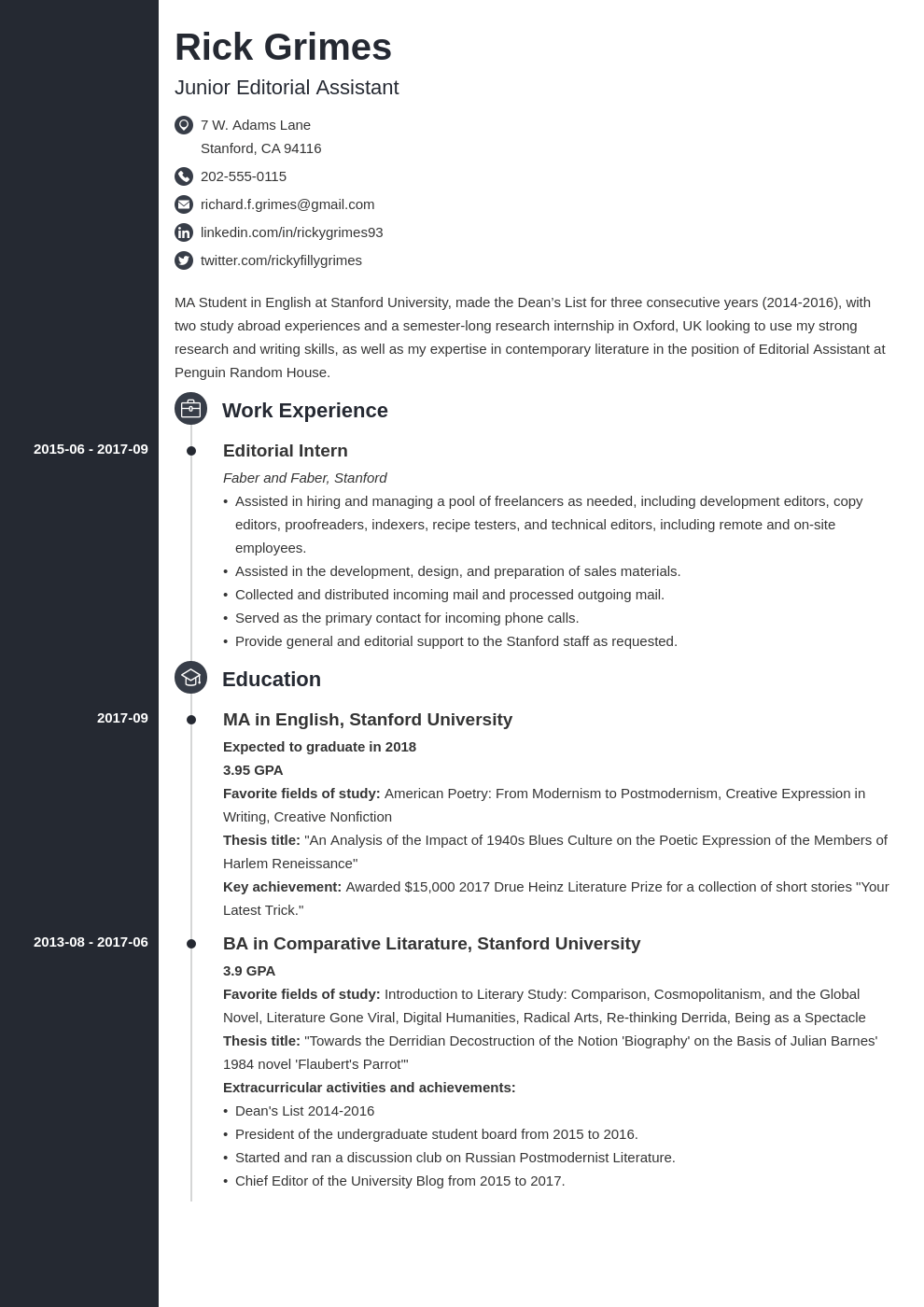
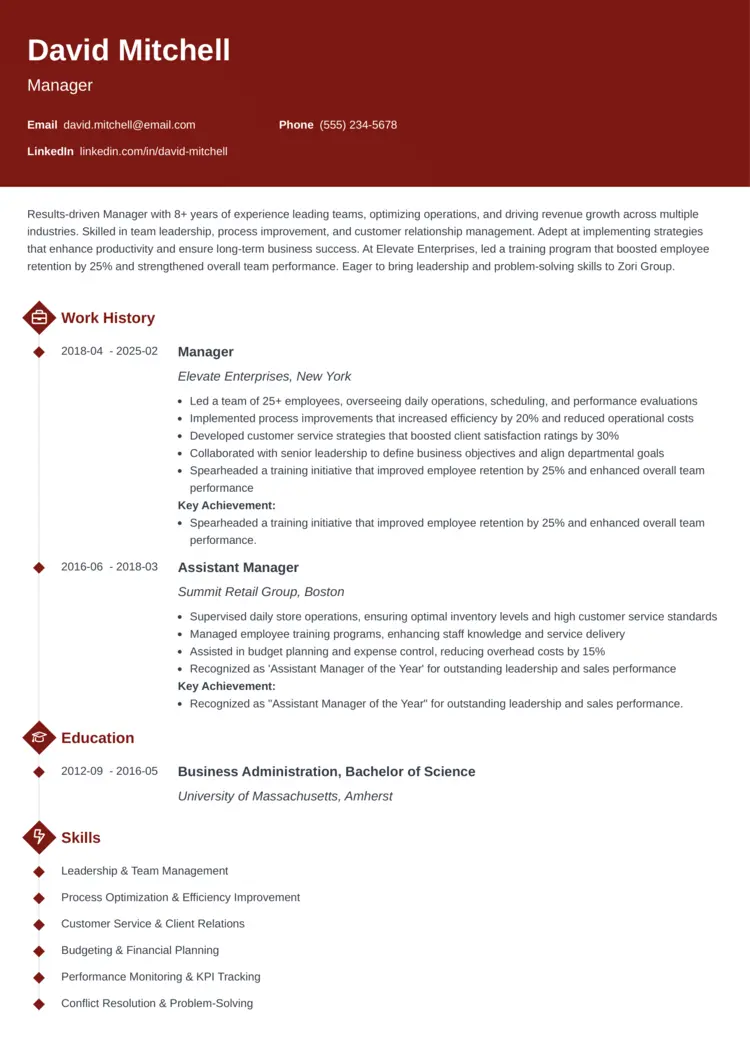
Zety's resume templates use icons to improve your resume's structure, highlight your qualifications, and showcase your personality. No need to guess which style or format works best, simply use our Resume Builder to pick your favorite template and customize.
Check out these templates:
Crisp
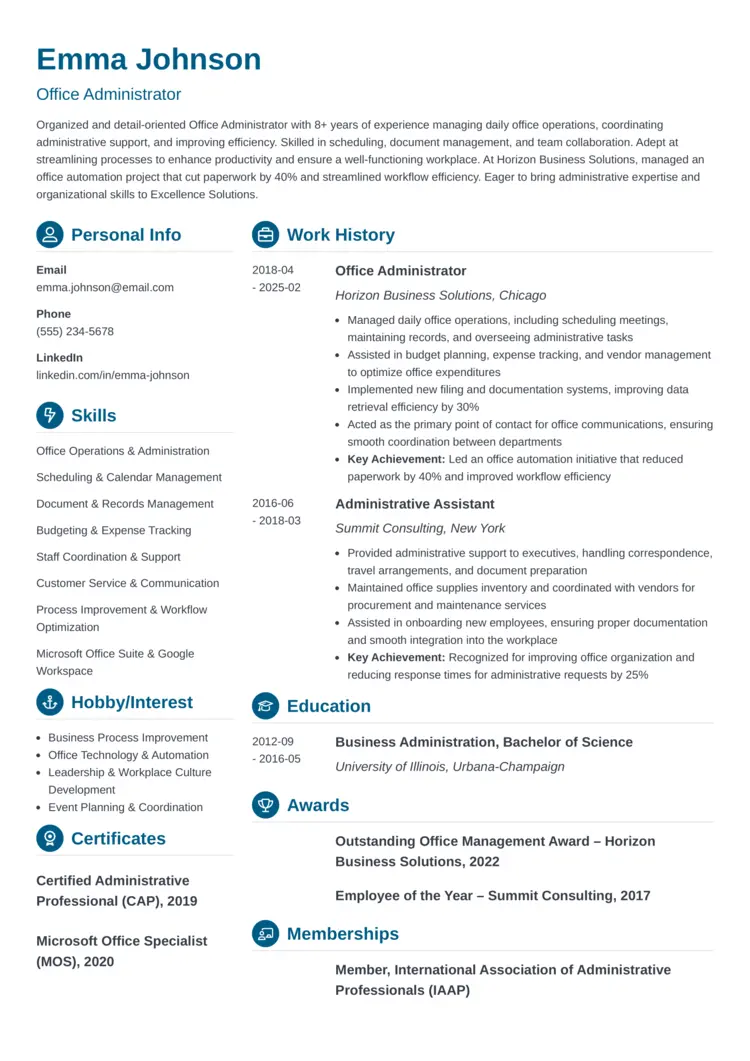
Concept
Diamond
Key Takeaways
Before you start designing your resume, remember these key points:
- Resume icons are small symbols that, when used thoughtfully and in moderation, improve readability and visual appeal.
- Text-based and vector icons are the safest choice for online job applications.
- Always pair icons with clear text so both recruiters and tracking systems can read your information.
- Choose simple, industry-appropriate designs that match your resume’s overall style.
- Avoid clutter, low-quality graphics, and mixing multiple icon styles in one document.
- When in doubt, use a professional resume template with built-in icons to ensure proper sizing and placement.
Frequently Asked Questions
Where can I get icons for my resume?
You can find resume icons in specialized websites, such as:
- Freepik
- Icons8
- Iconmonstr
- Flaticon
- Iconpacks
All of these websites have large libraries of icons in multiple styles, from flat and single-color to 3D and colorful. They also offer multiple formats, including PNG and vector, with free download options available.
You can also try Zety's resume templates with embedded icons. No need to worry about ATS parsing or sizing; our builder ensures everything is properly formatted.
Is it okay to have icons on a resume?
Yes, having icons on your resume is OK. Resume icons can improve your document's structure and make it easier for recruiters to scan your information. These symbols also highlight important information and can showcase your personality.
In creative fields, resume icons can convey your unique vision and add interest to your resume.
How do I insert icons on a resume?
You can insert icons on your resume by using built-in symbol fonts, downloading icons from trusted websites, or choosing a resume template with preloaded icons.
In Word or Google Docs, you can add icons through the “Insert” menu or by copying and pasting symbols. Remember always to place icons next to related text, and keep them small and consistent.
About Zety’s Editorial Process
This article has been reviewed by our editorial team to make sure it follows Zety's editorial guidelines. We’re committed to sharing our expertise and giving you trustworthy career advice tailored to your needs. High-quality content is what brings over 40 million readers to our site every year. But we don't stop there. Our team conducts original research to understand the job market better, and we pride ourselves on being quoted by top universities and prime media outlets from around the world.