CV Templates for 2026
Secure more interviews with Zety’s CV templates. Choose a professional CV template, fill it with ready-made content, and finish your CV in minutes.
Create Your CV Now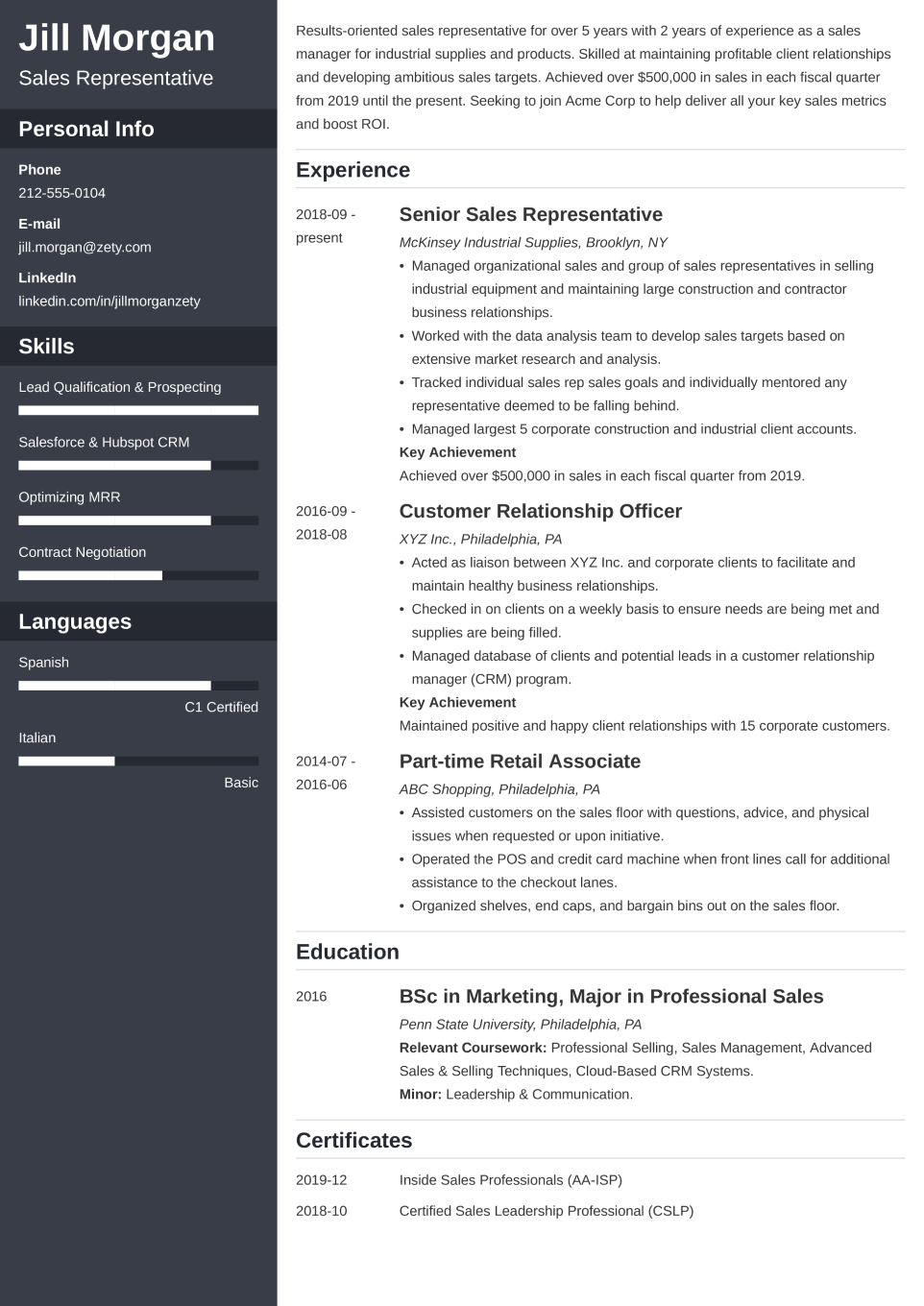
Cascade
Professional CV template with clean alignment that stays polished at any length
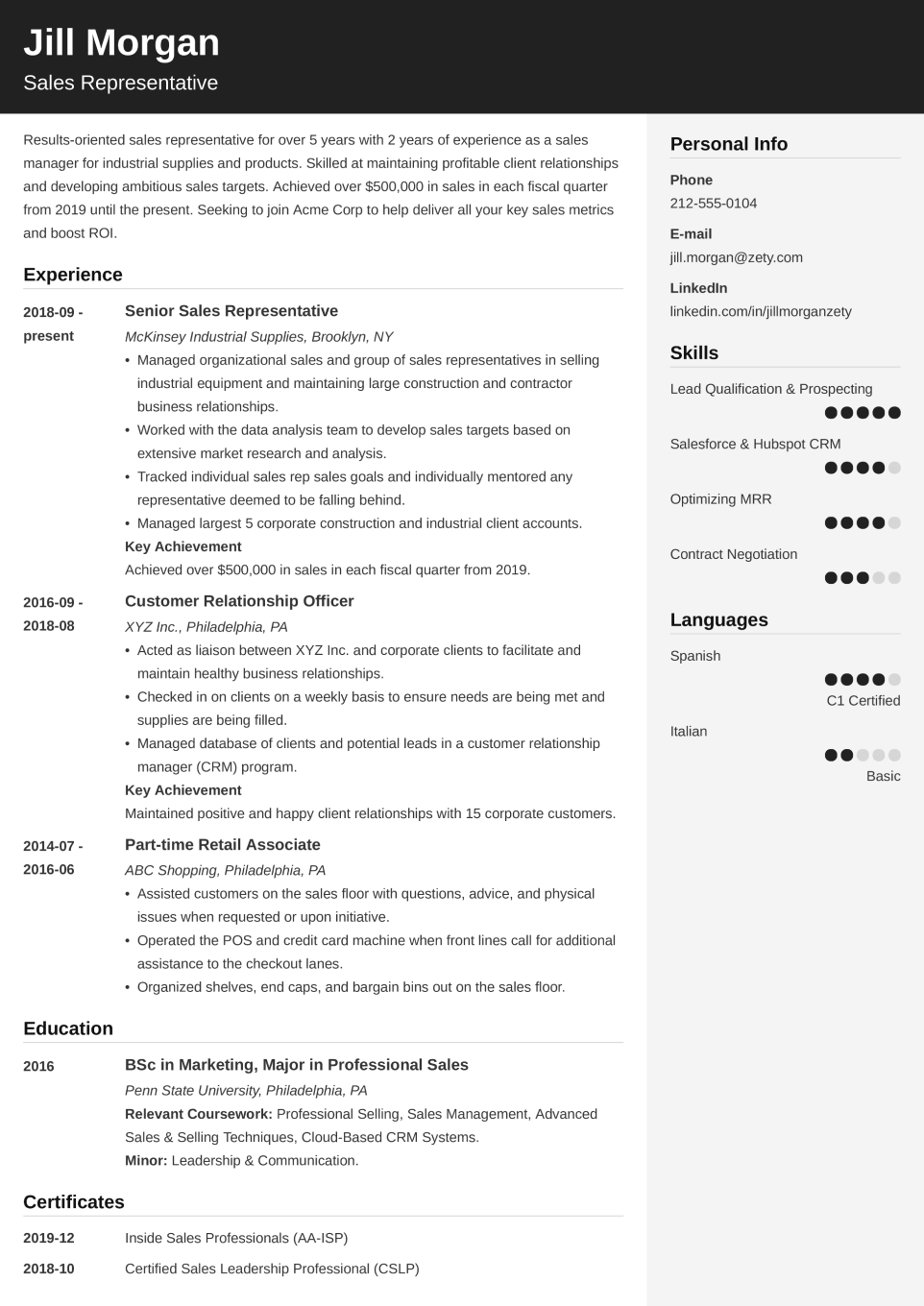
Cubic
Highly readable template, ideal for content-dense CVs
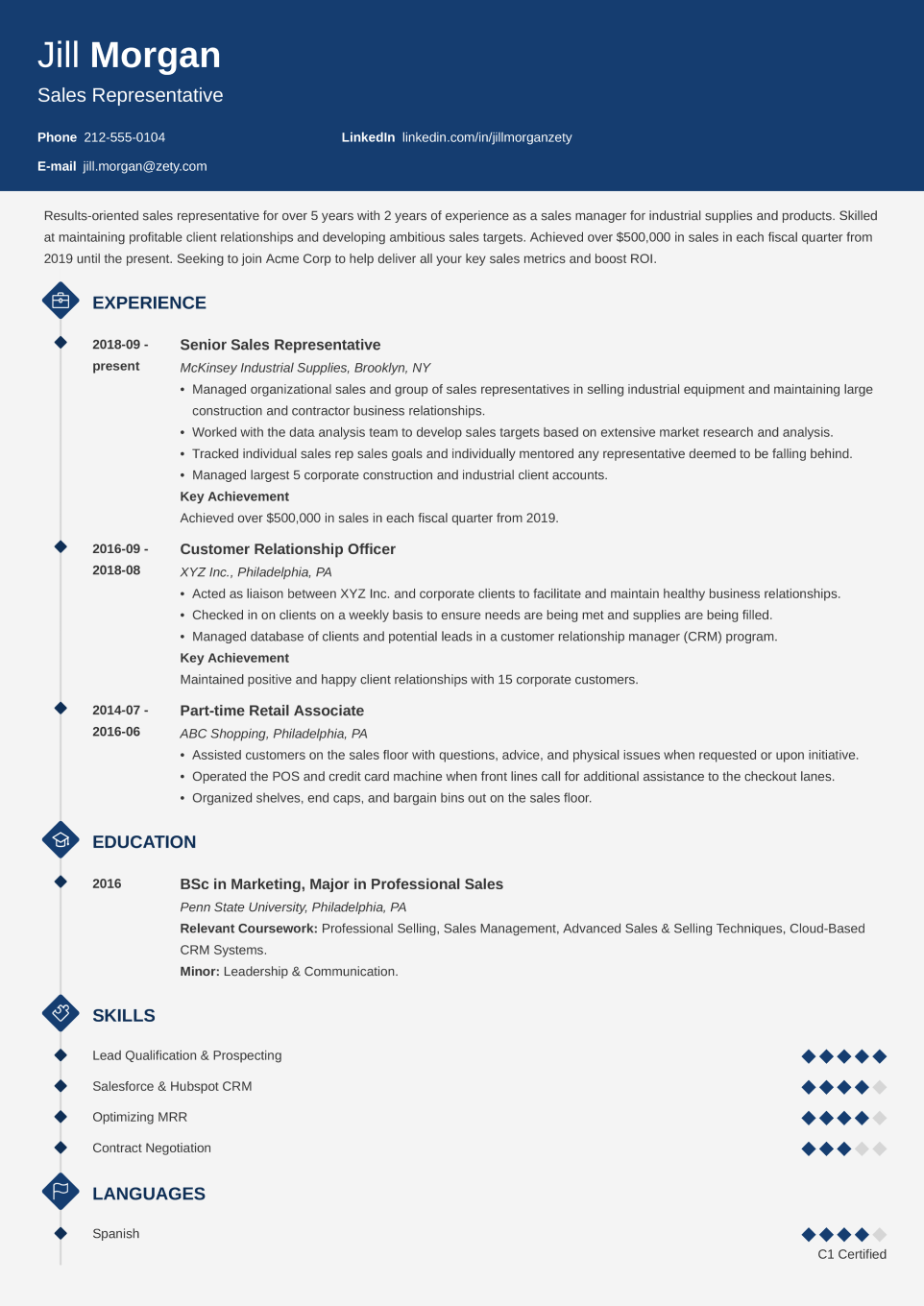
Diamond
Single-column CV template designed to spotlight your experience and credentials
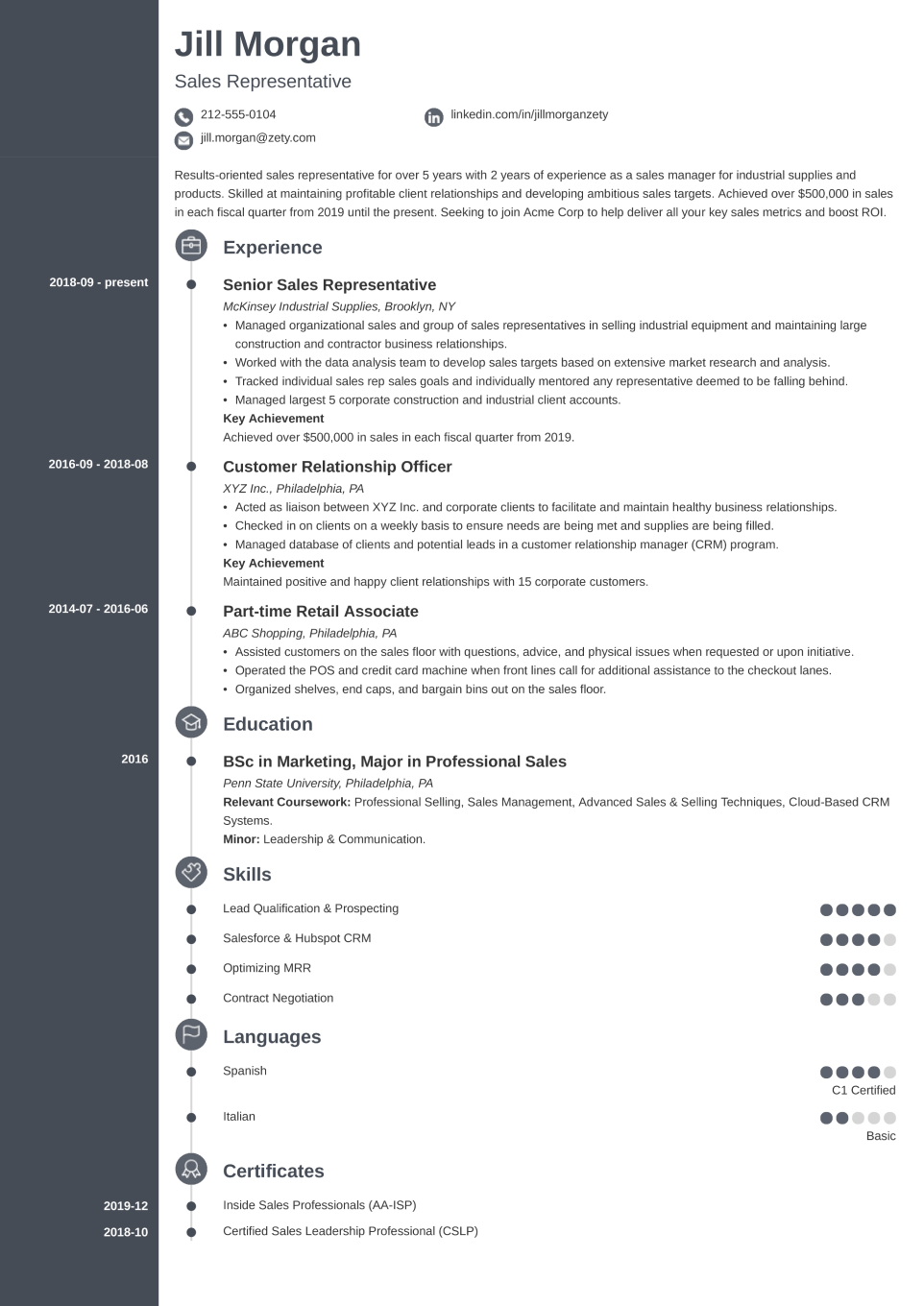
Concept
Modern template featuring icons and a timeline to tell your career story clearly
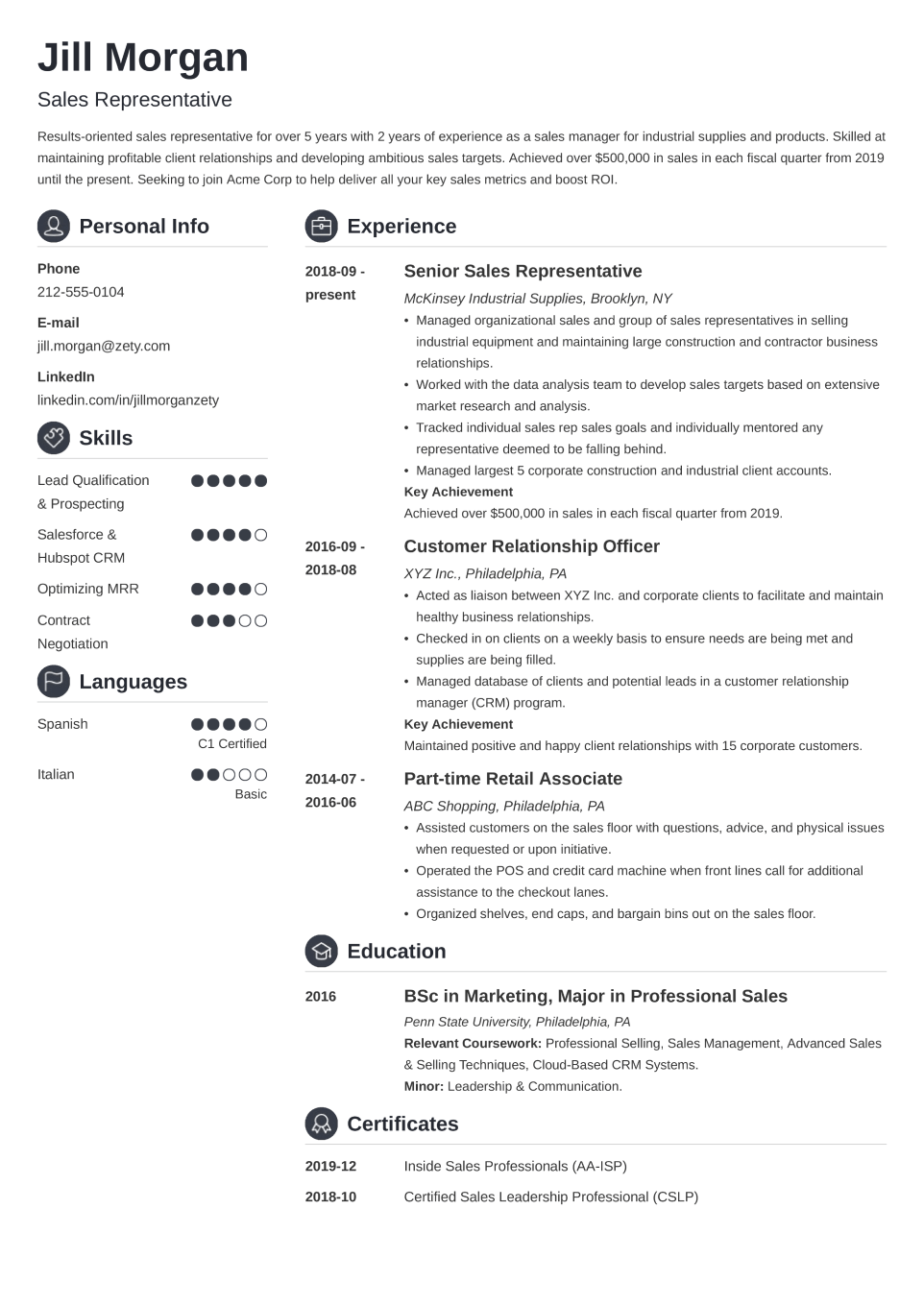
Crisp
Clean, structured CV template that keeps your content sharp and easy to scan
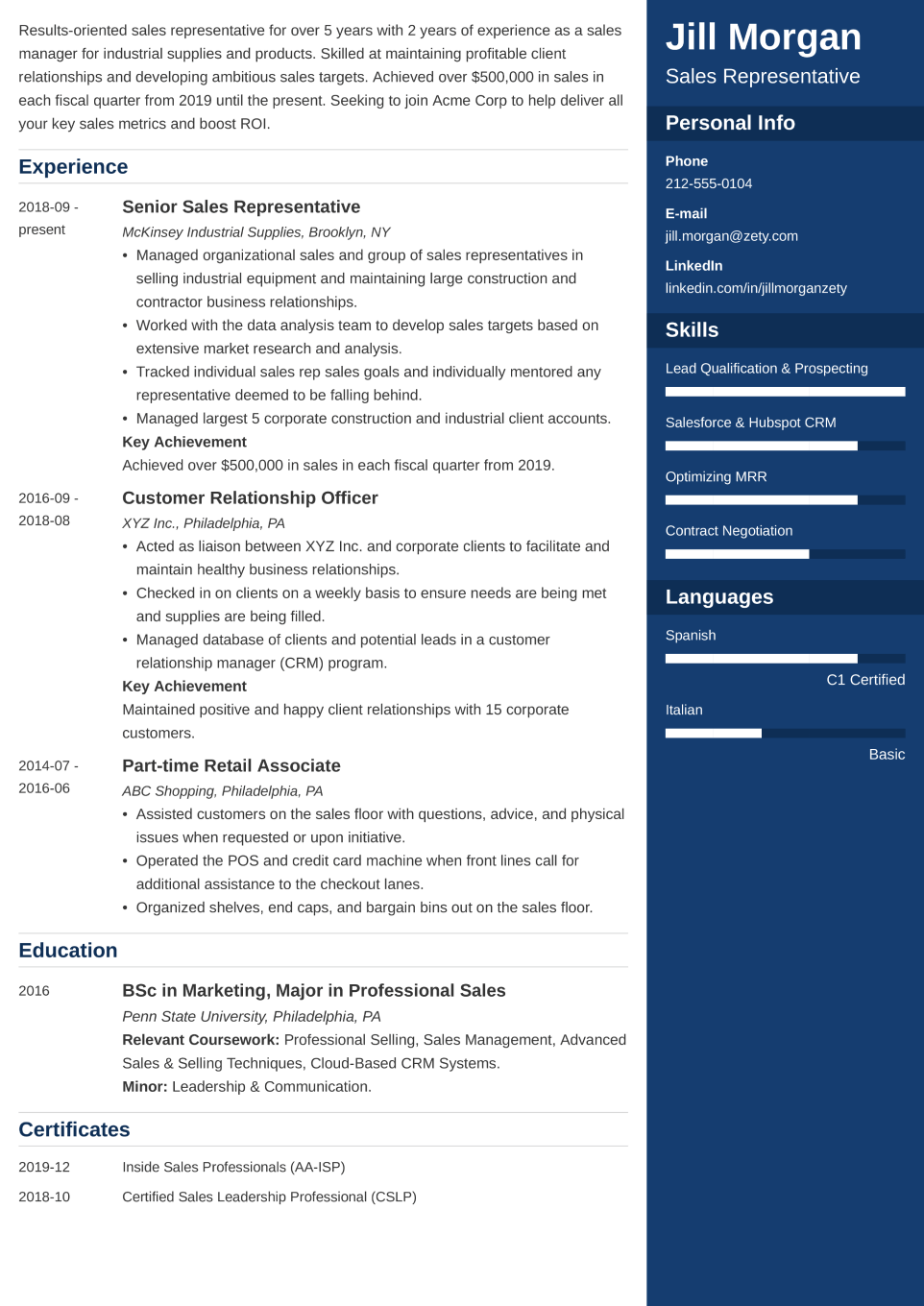
Enfold
Two-column curriculum vitae template that highlights your summary and key skills
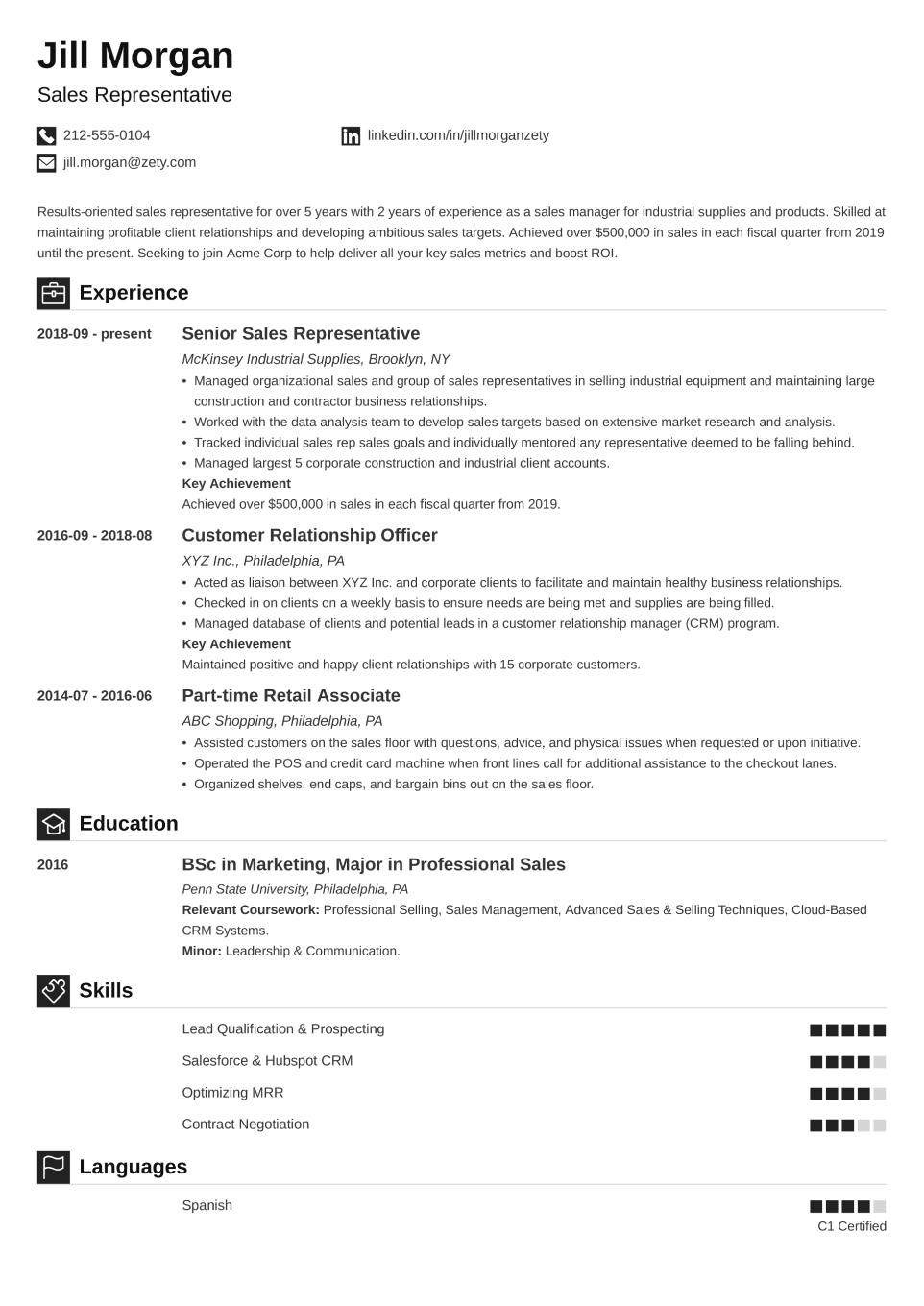
Iconic
Icon-based CV template that uses design elements to make details stand out
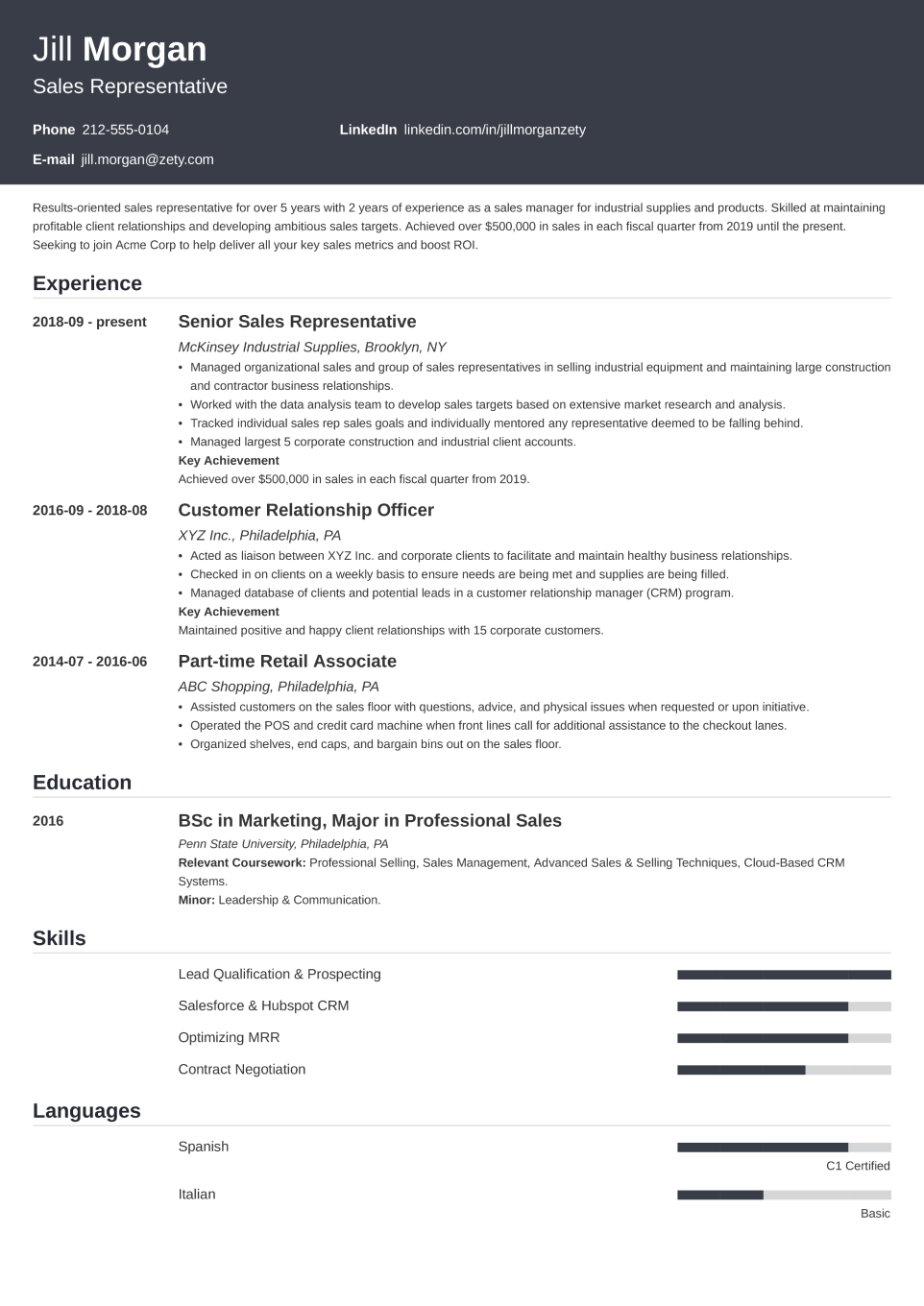
Influx
Elegant CV template that delivers a classic look without feeling outdated
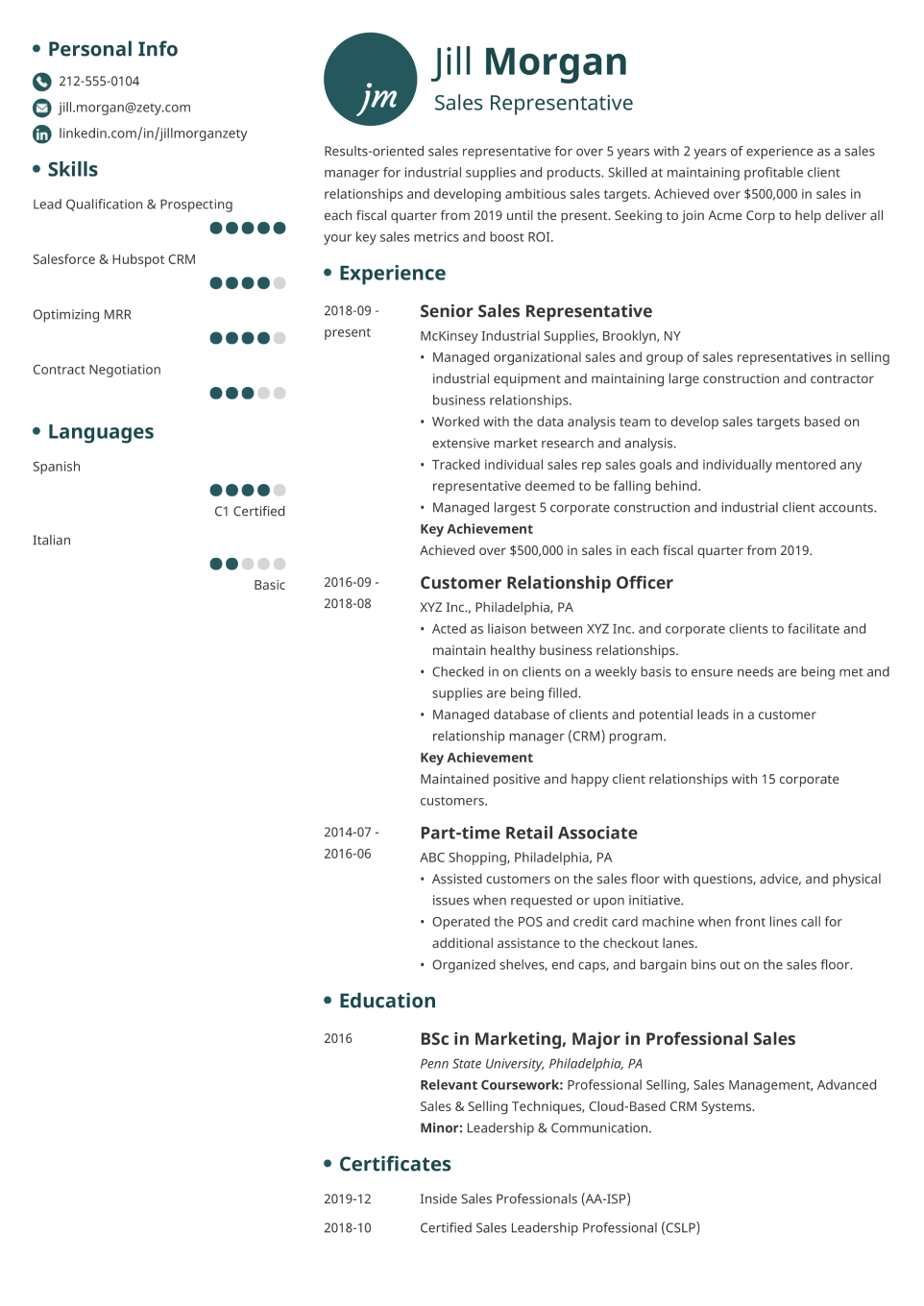
Initials
Creative template that highlights details while maintaining a balanced layout
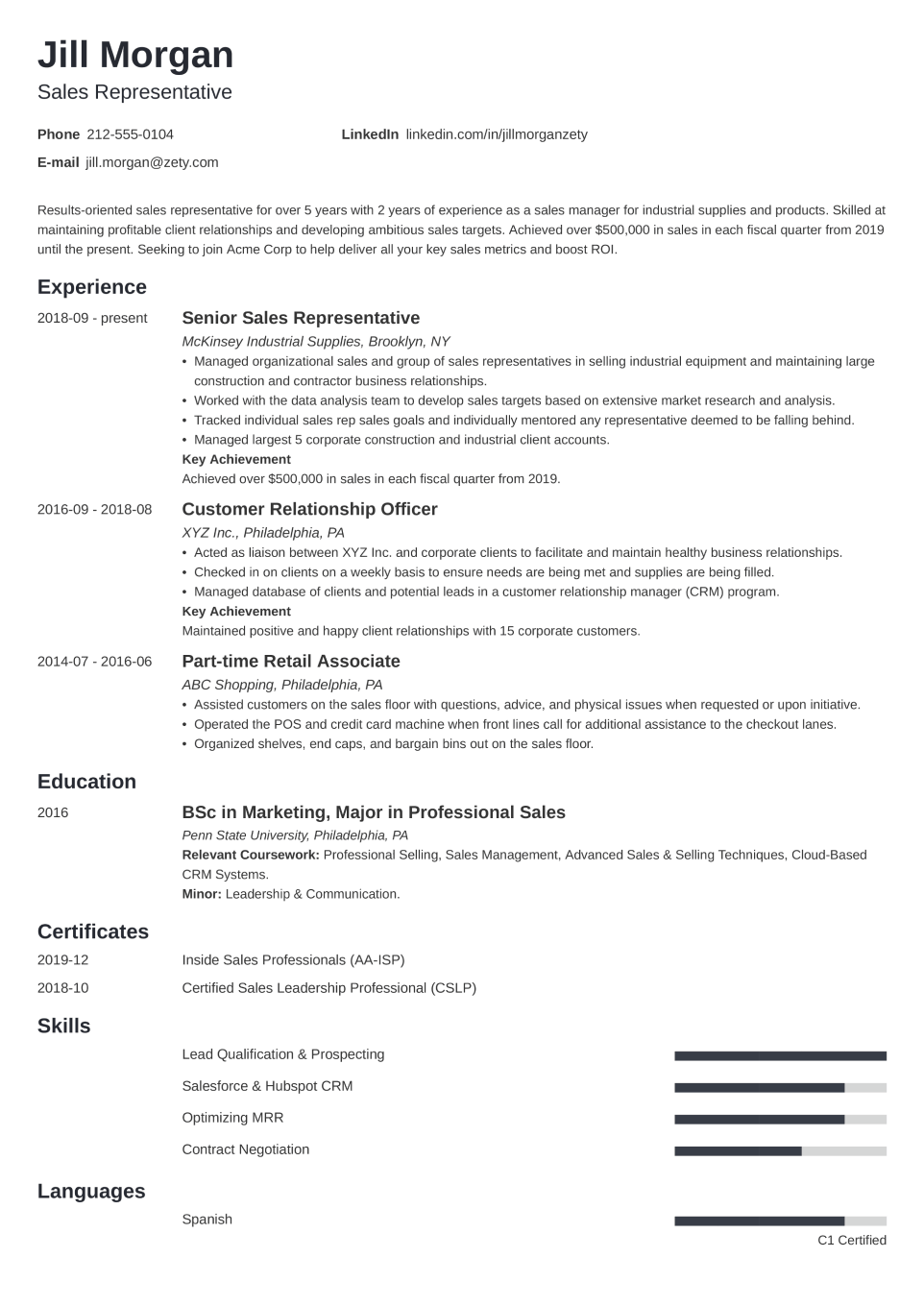
Minimo
Minimalist CV template with a timeless structure and a modern edge
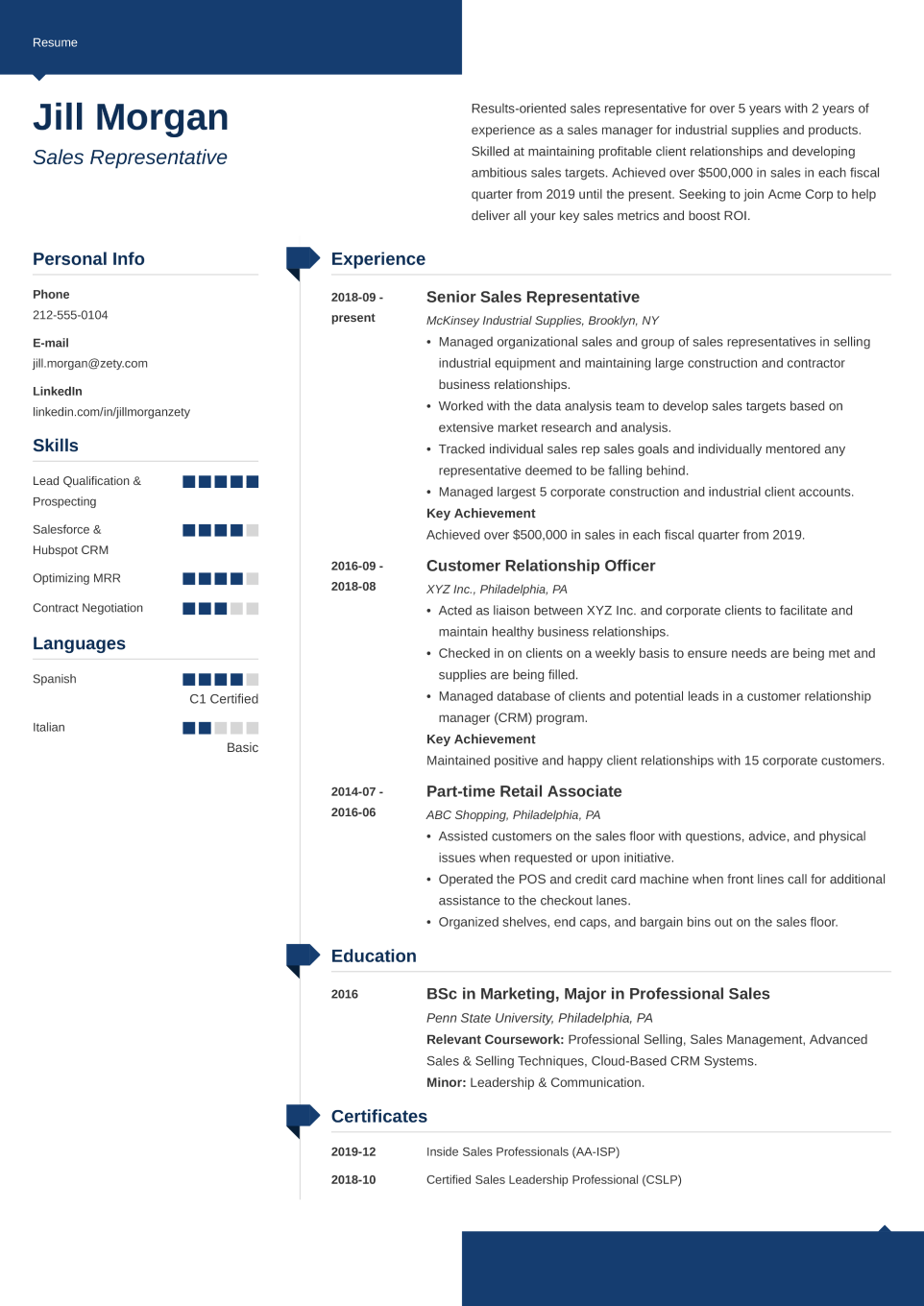
Modern
Template that creates a visual structure without heavy blocks or clutter
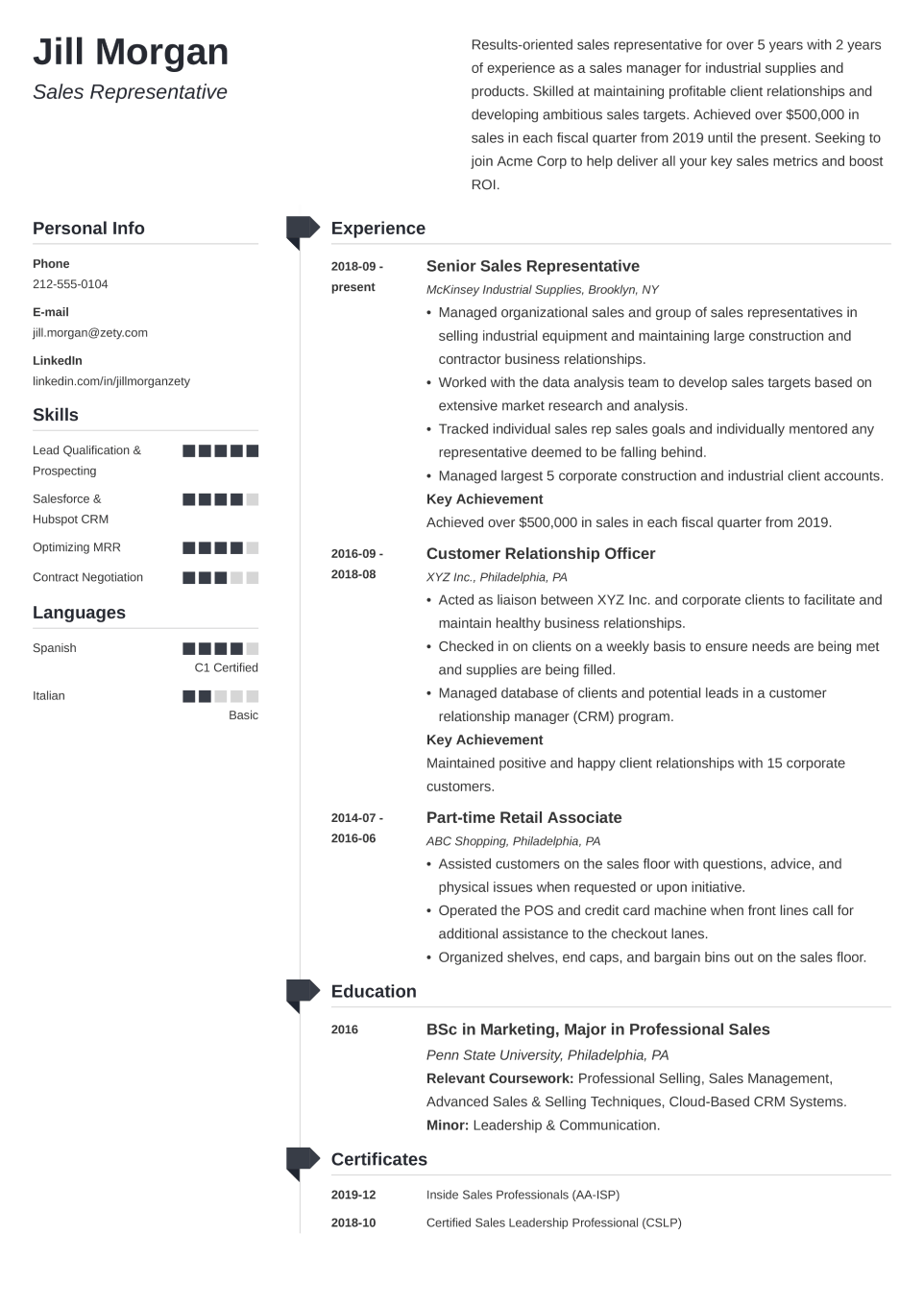
Muse
Visual template that stays light and airy while showcasing skills and extras
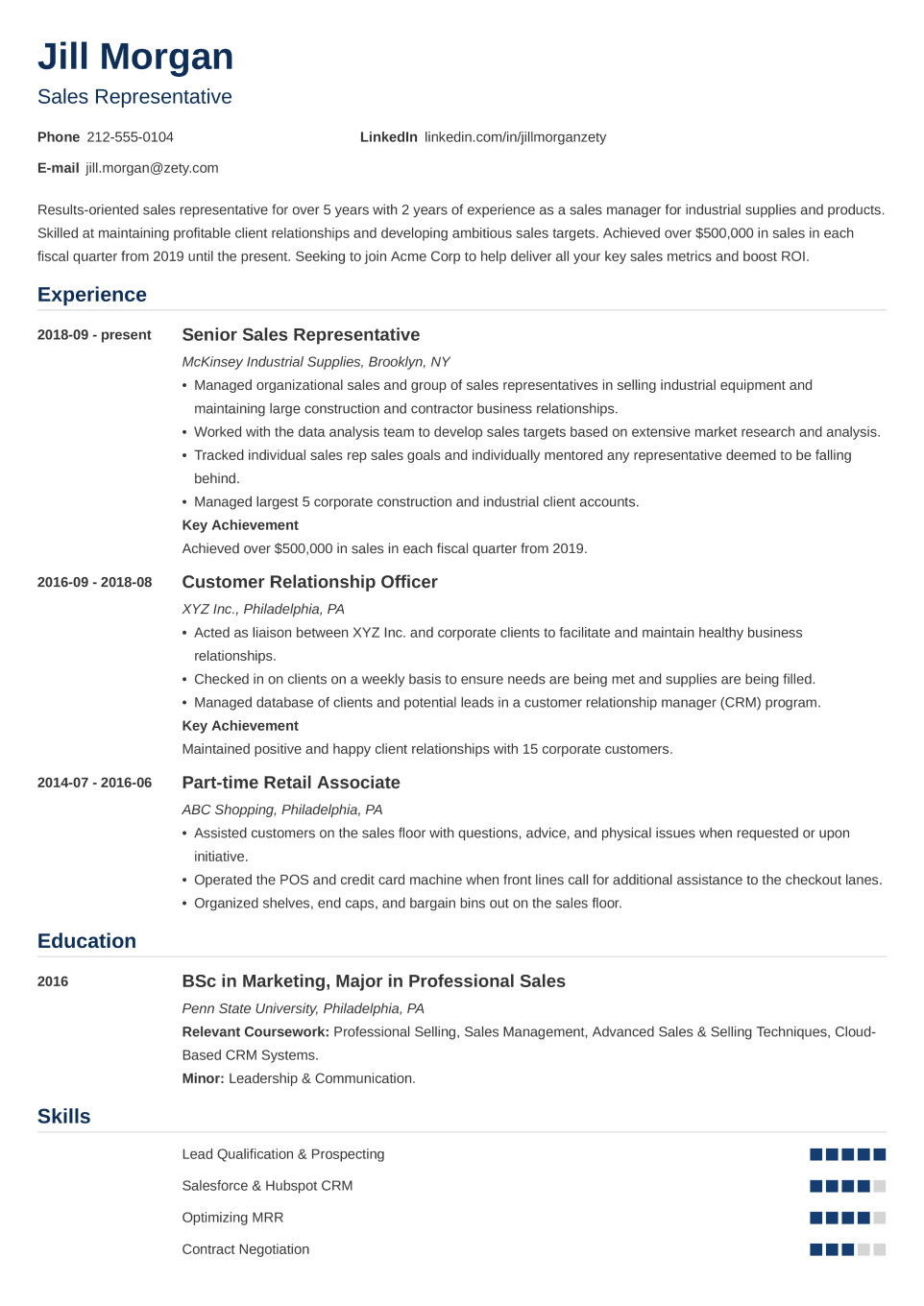
Nanica
Traditional template refreshed with visuals and a streamlined single-column flow
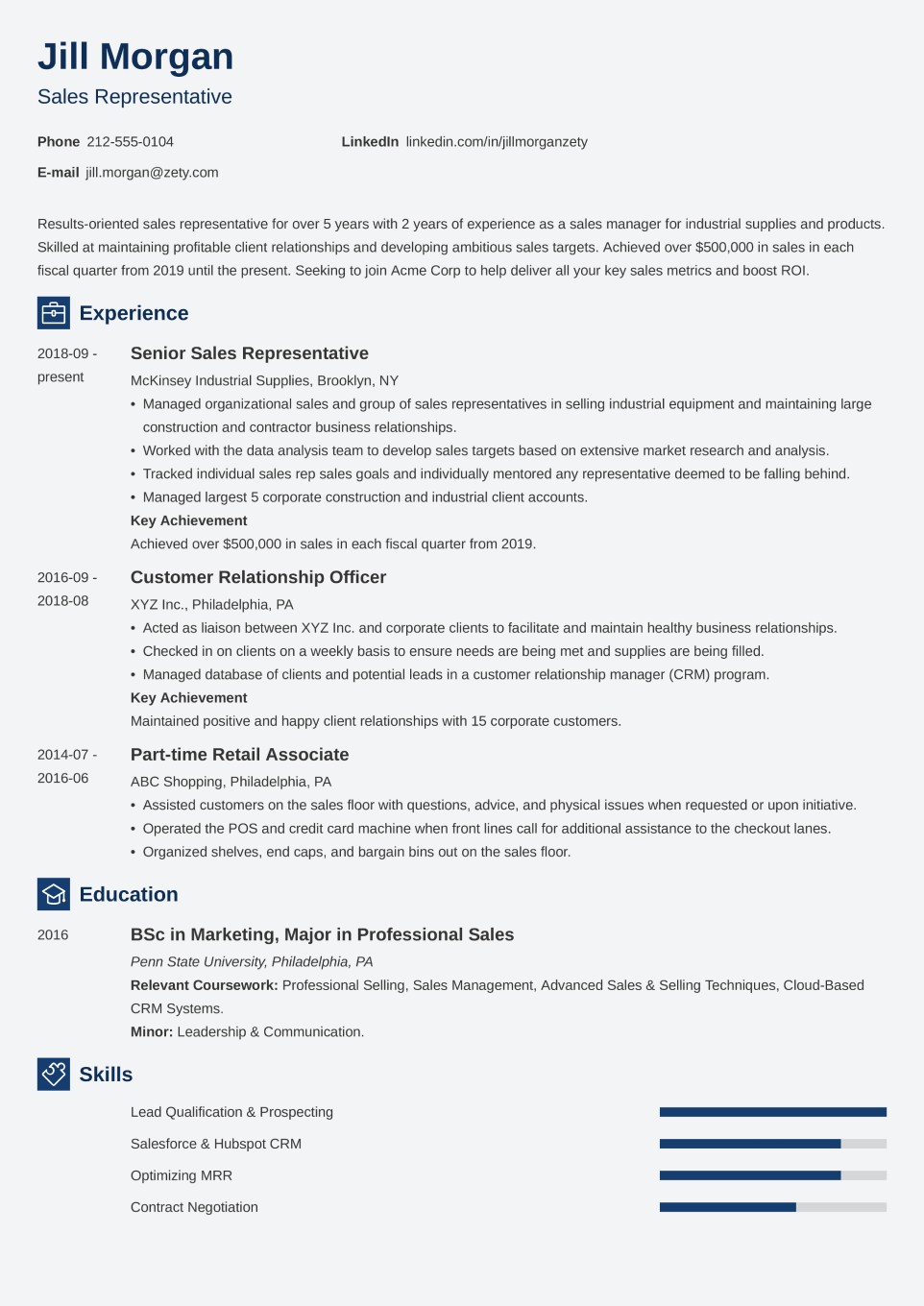
Newcast
Straightforward CV template that prioritizes content while subtly highlighting skills
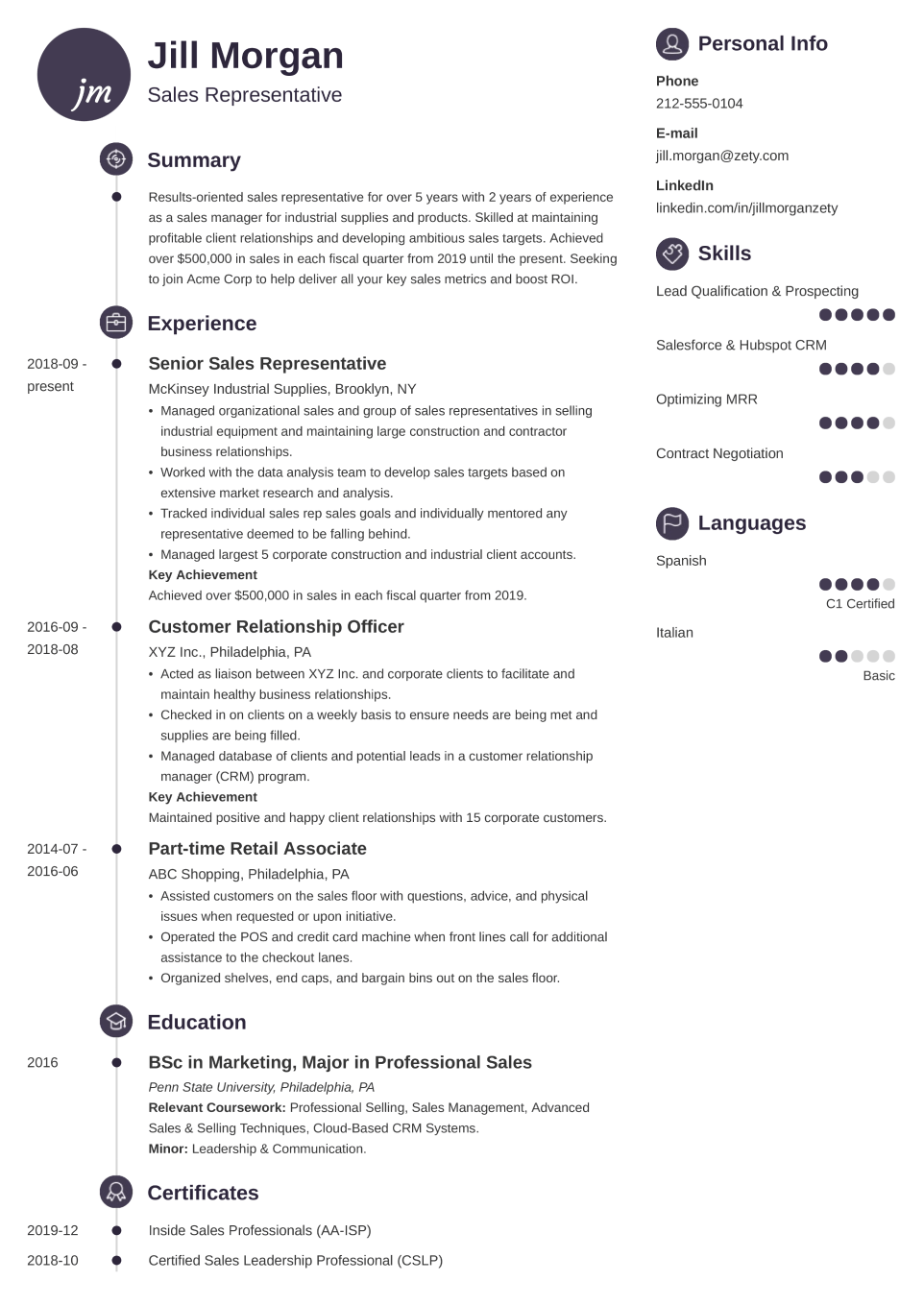
Primo
Infographic template with timelines, icons, and a color choice that breaks the mold
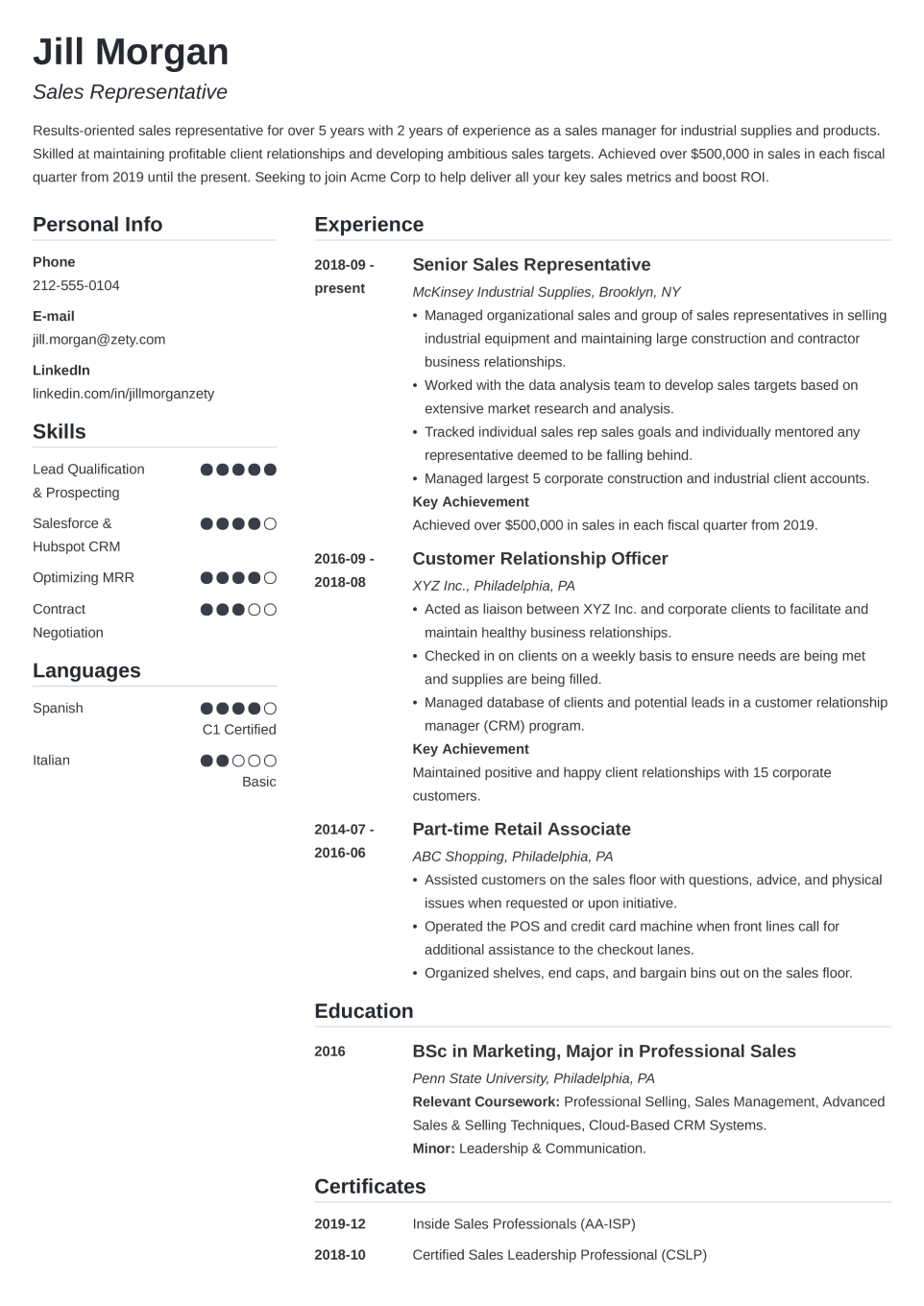
Simple
Clean CV template enhanced with subtle color for a fresh feel
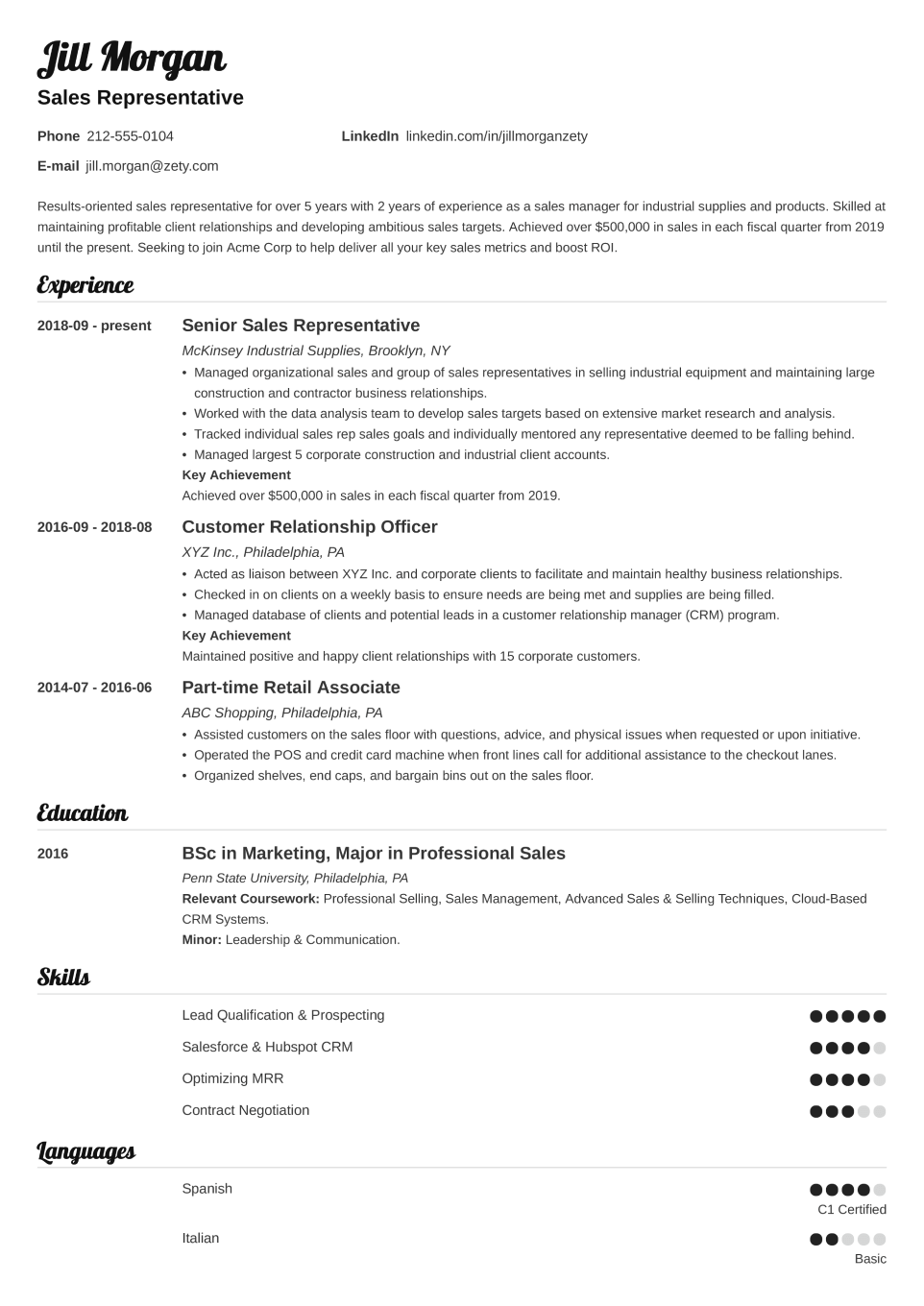
Valera
A distinctive template that guides the reader’s eye through bold typography
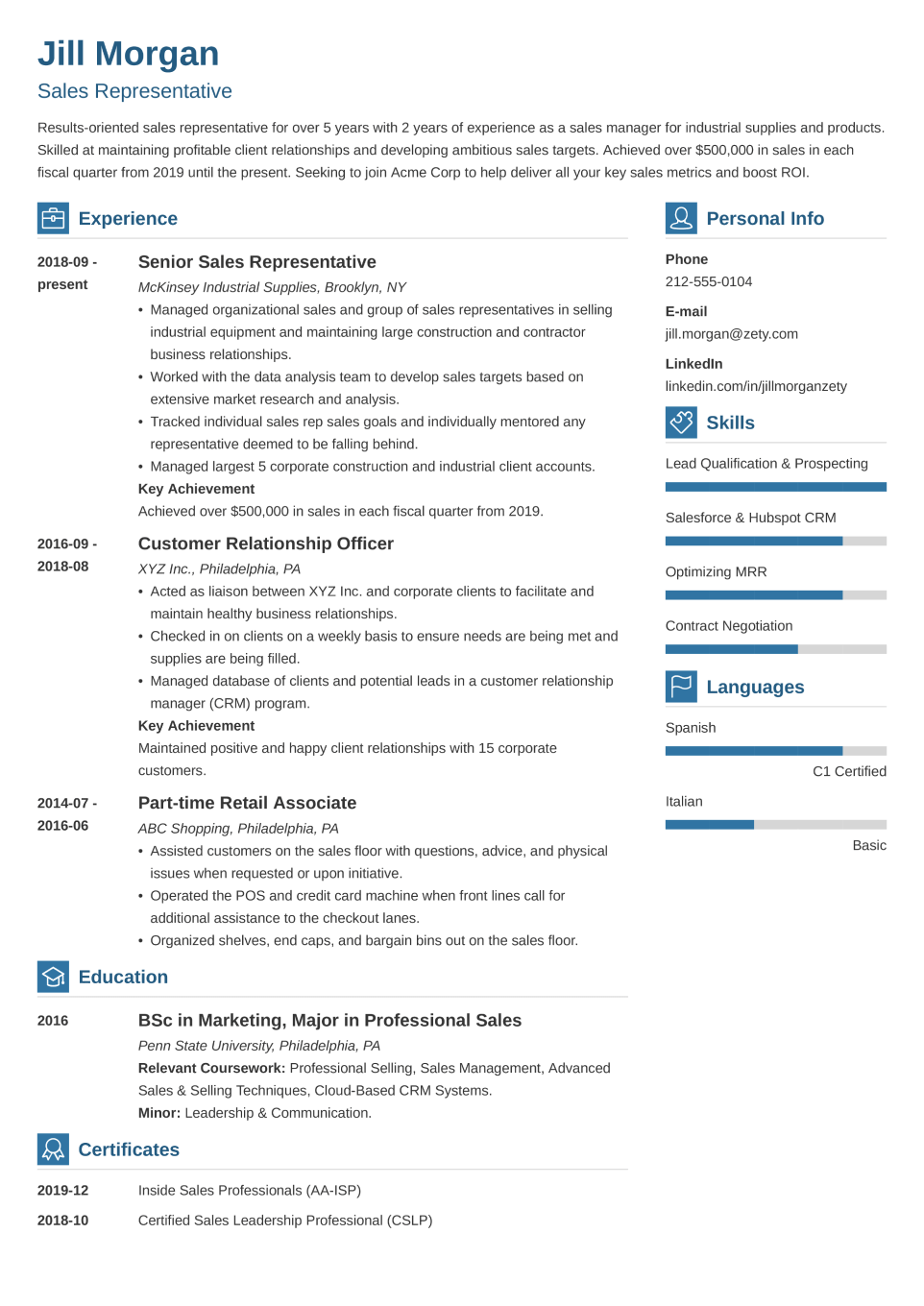
Vibes
Sleek template that presents your credentials in a tidy layout with simple icons
Free CV Template for Download
Want more CV templates with expertly written content?
With our free plan, you can create and download as many customized CVs as you need. Simply log in to the CV Builder and upload your existing CV, or start from scratch by selecting any of our free CV templates.
We will guide you step by step, and within a few clicks, your CV will be ready to download for free as a TXT file.
By choosing one of our paid plans, you unlock even more:
- Improve your existing CV to boost your chances with hiring managers.
- Customize the design to create a polished look.
- Publish your CV online and track how often your profile is viewed.
- Send your CV directly from the builder to apply for jobs.
- Download your CV in PDF or Word format, ready to share.
- Create a matching cover letter in minutes using ready-made content.
Contact Information
[Your Name]
[Your Job Title]
[Email Address]
[Phone Number]
[LinkedIn]
[Optional: Personal Website, Twitter, Other Relevant Links]
CV Summary Statement
Dependable/Detail-oriented/Creative[Your Job Title] with [X] years of experience in [Your Industry/Niche]. Helped [increase revenue/cut costs/train employees/other achievements] by [X]%. Looking to join [Company Name] to ensure[highest customer happiness scores/a steady boost in ROI/prompt project delivery/other metrics and KPIs you hope to deliver for the prospective employer].
Work Experience/Job Description
[Your Job Title]
[Company Name]
[2012–2019]
- Use bullet points to describe your work history.
- Add up to 6 bullet points. Focus on what applies to the job you’re trying to land, don’t cram your CV with unnecessary details.
- Don’t just list your responsibilities. Focus on your achievements!
- Maybe you saved your company money? Boosted sales? Optimized processes? Trained new employees? Show it off! Have a look:
- Responsible for [your responsibilities].
- [Boosted sales/cut costs] by [X]% through implementing a new system of [invoicing/project management/procurement, etc.]
[Your Previous Job Title]
[Previous Company Name]
[2008–2012]
- List your jobs in reverse-chronological order. Start with your current or most recent position, then follow it with the one before it, and so on.
- As you go back in time, limit the number of bullet points under each entry. Employers are more interested in what you’ve been doing in the last few years, not in the dim and distant past.
- Don’t list over 15 years of relevant work experience on your CV.
Education
[BA/MA in Your Major]
[University Name]
[Graduation Year]
- Not much experience? Leverage your academic achievements. Include your GPA if it’s higher than 3.5, mention extracurricular activities.
- If you have a lot of professional experience, limit your education section to your highest degree.
Skills
[Skill #1: Advanced]
[Skill #2: Advanced]
[Skill #3: Basic]
Additional CV Sections
[Certifications]
[Volunteer Experience]
[Conference Participation]
[Hobbies and Interests]
Need more inspiration? Browse professionally written CV examples.
See CV ExamplesWhy Choose Zety’s CV Templates
Templates for Any Situation
Regardless of where or why you’re applying, your CV should look professional, be clear, and still stand out. That’s where Zety’s CV templates come in.
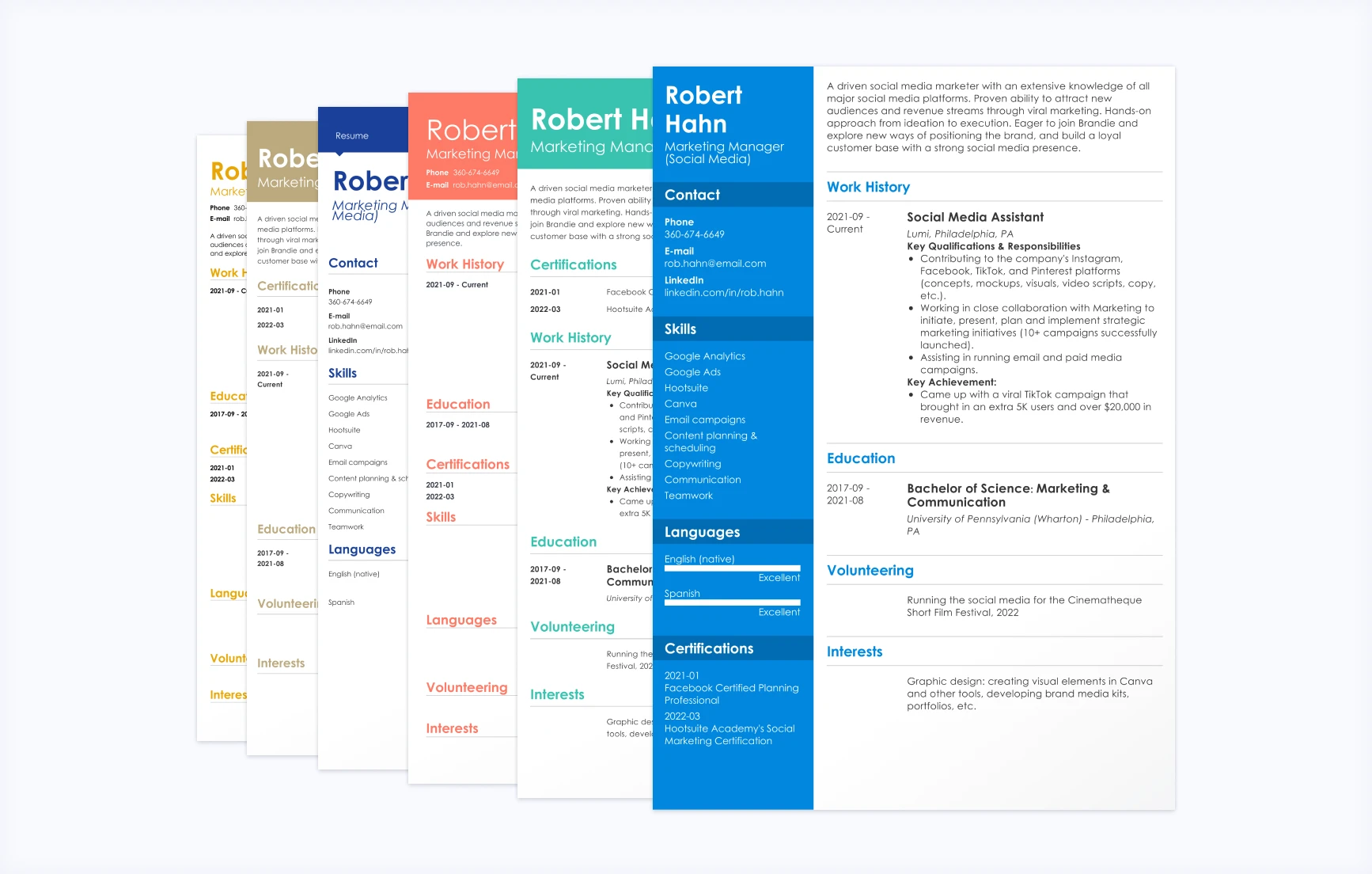
Advanced Customization
The builder gives you full control over the final look. Customize your CV to make a strong first impression, add subtle icons to emphasize key details, and choose between one- or two-column layouts to suit your experience and role.
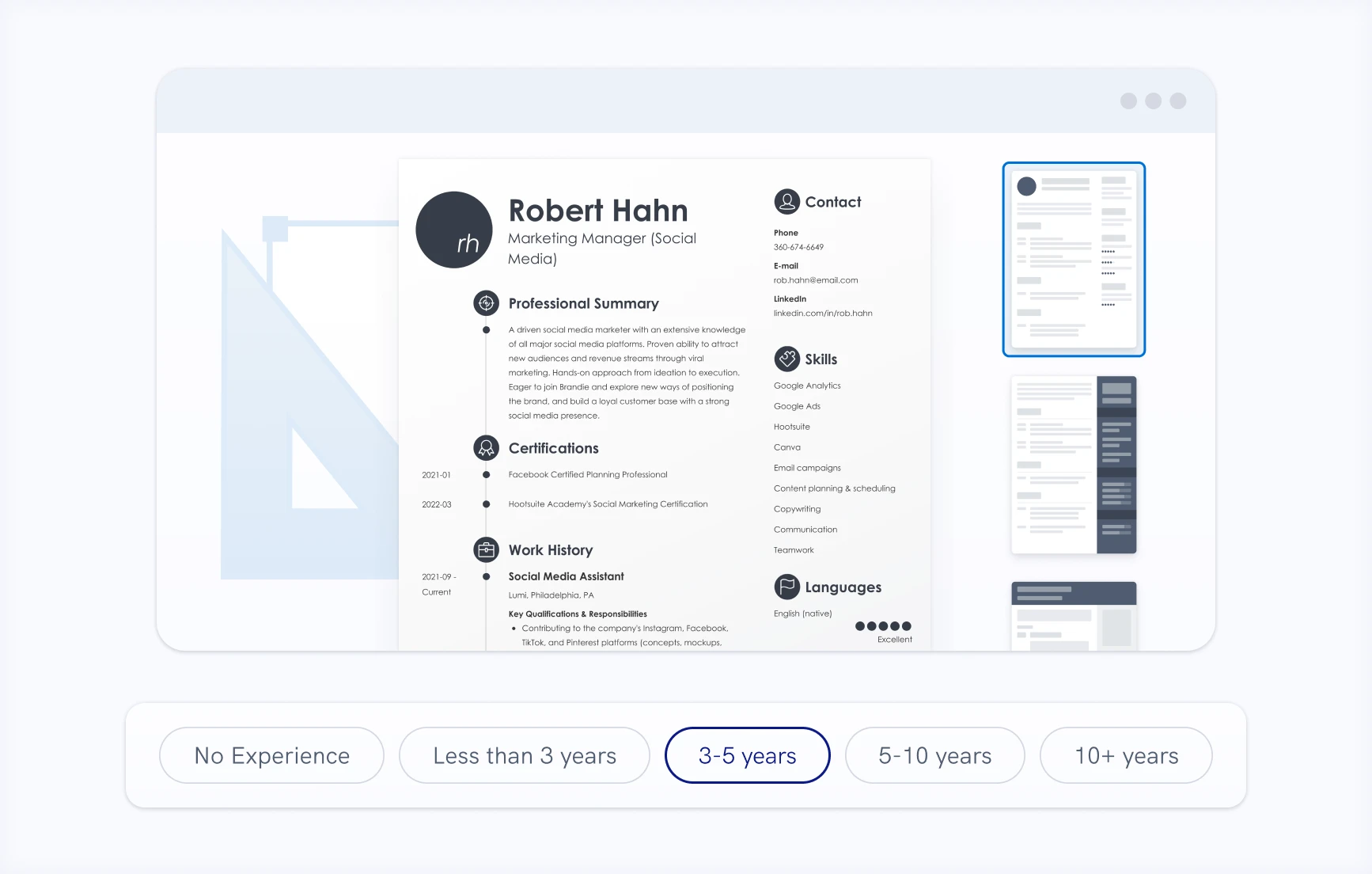
Ready-Made Content
Our ready-made CV content helps you create a polished document in minutes. Professionally written and role-specific, it lets you clearly highlight your professional skills, experience, and achievements, making your CV stand out to hiring managers.
Content Optimization
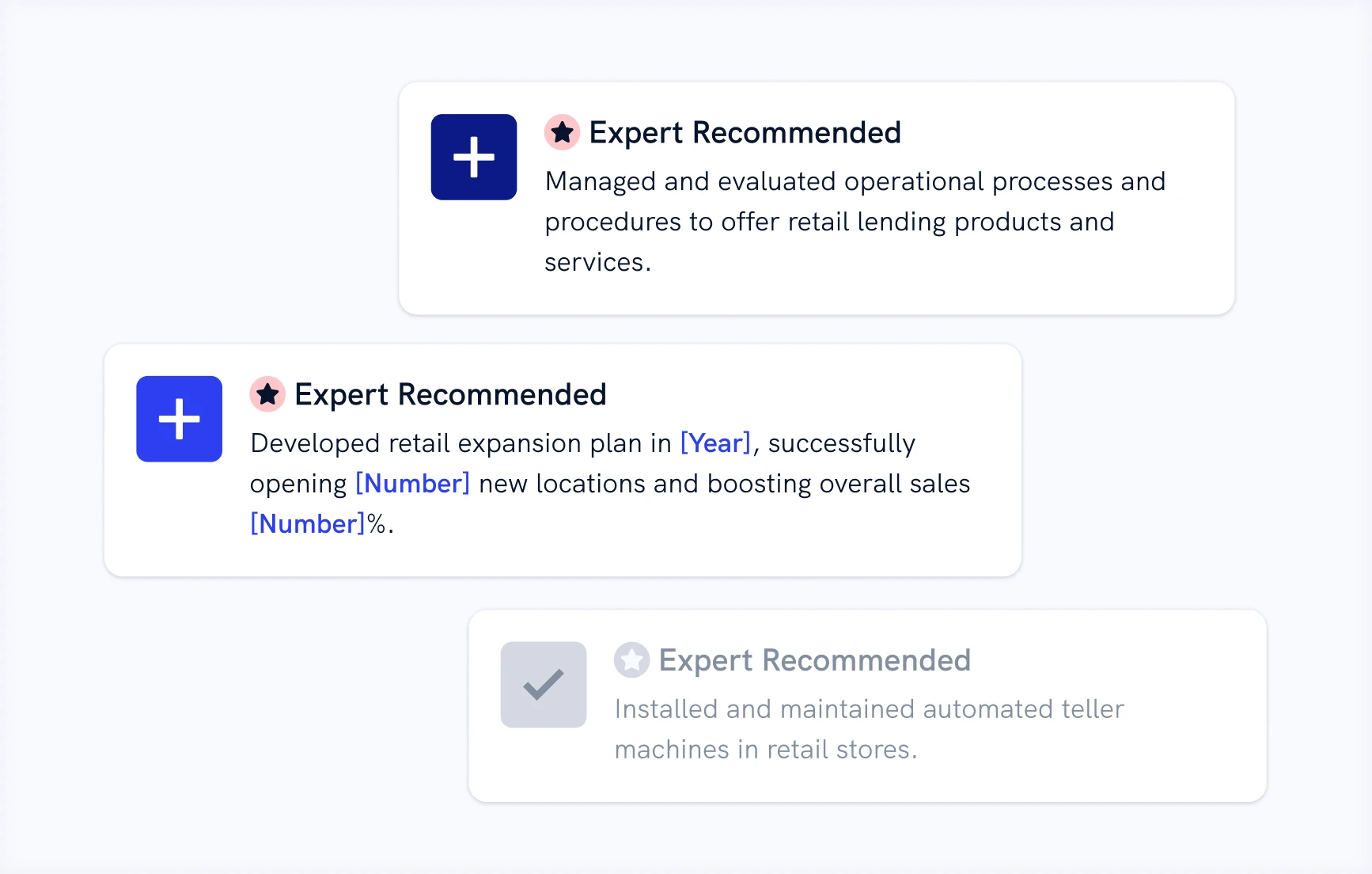
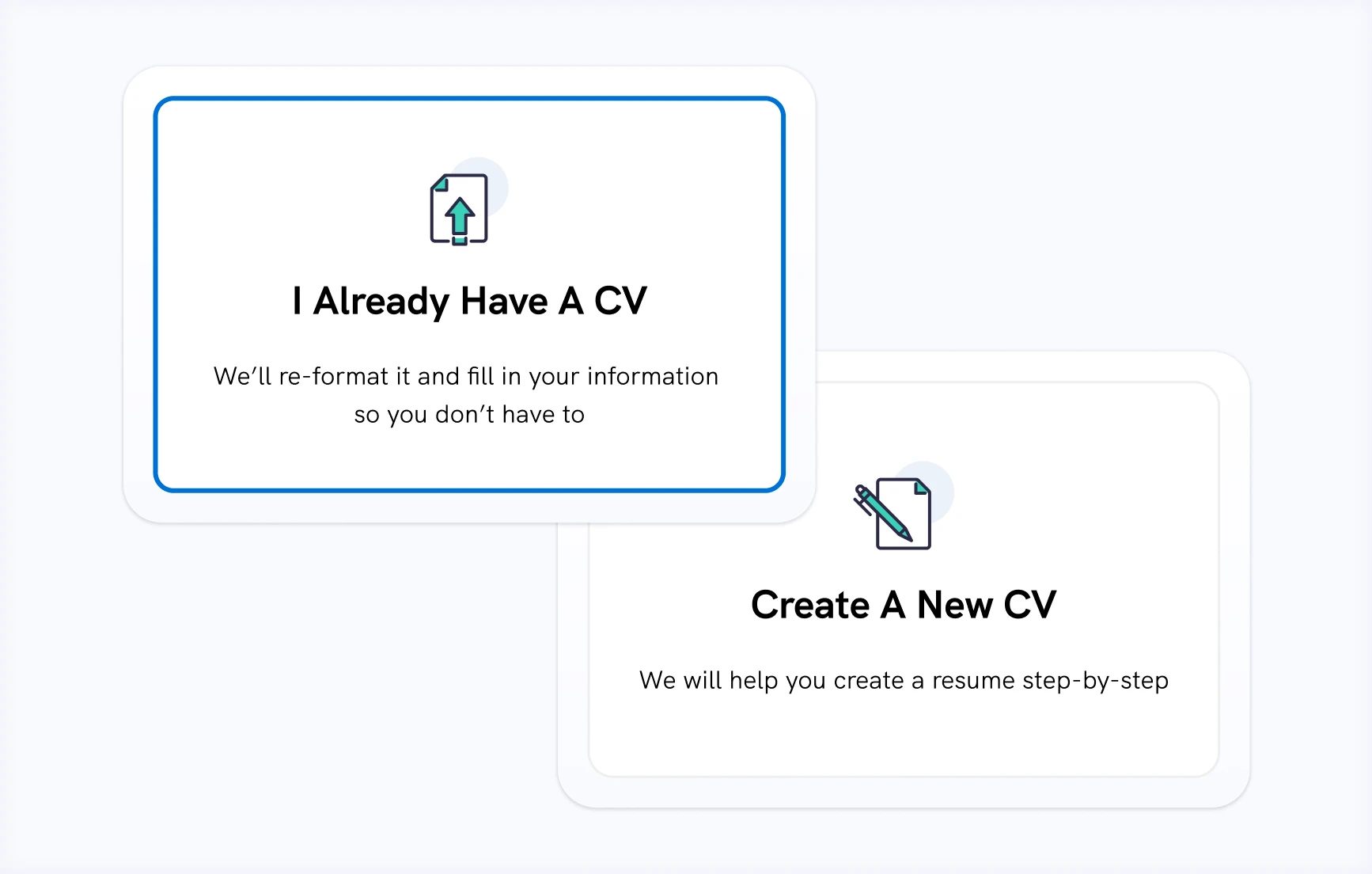
Start fresh or upload your existing CV, then update it with role-specific suggestions and ready-made bullet points describing your job’s duties. With an optimized CV, you can showcase your experience confidently and increase your chances of landing the job you want.
ATS-Friendly
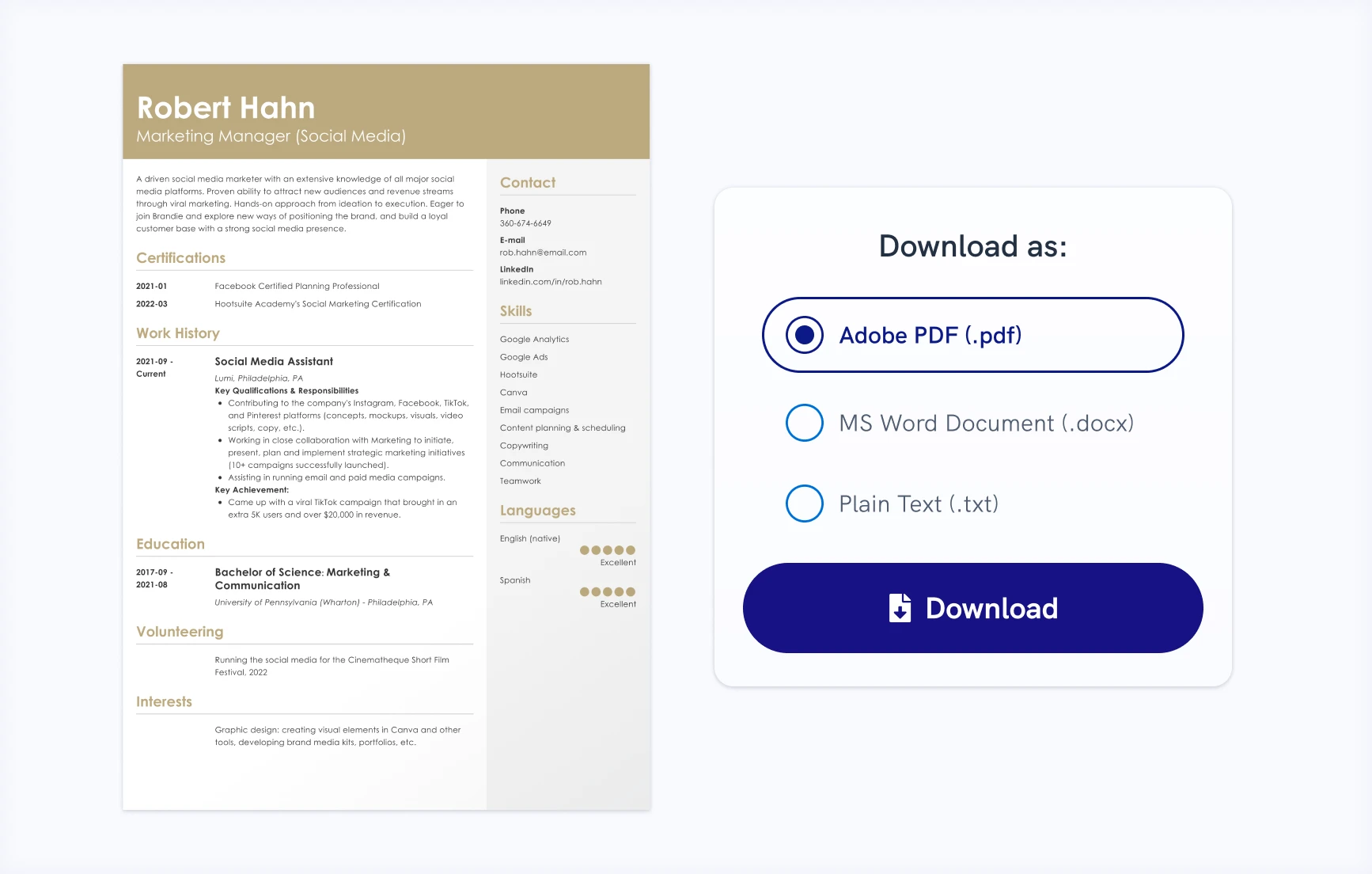
Zety’s CV templates are built to get noticed by both hiring managers and applicant tracking systems (ATS). Clean layouts, optimized headings, and smart formatting make your skills and work experience easy to read, ensuring your application reaches the right eyes.
Instant Job Matches
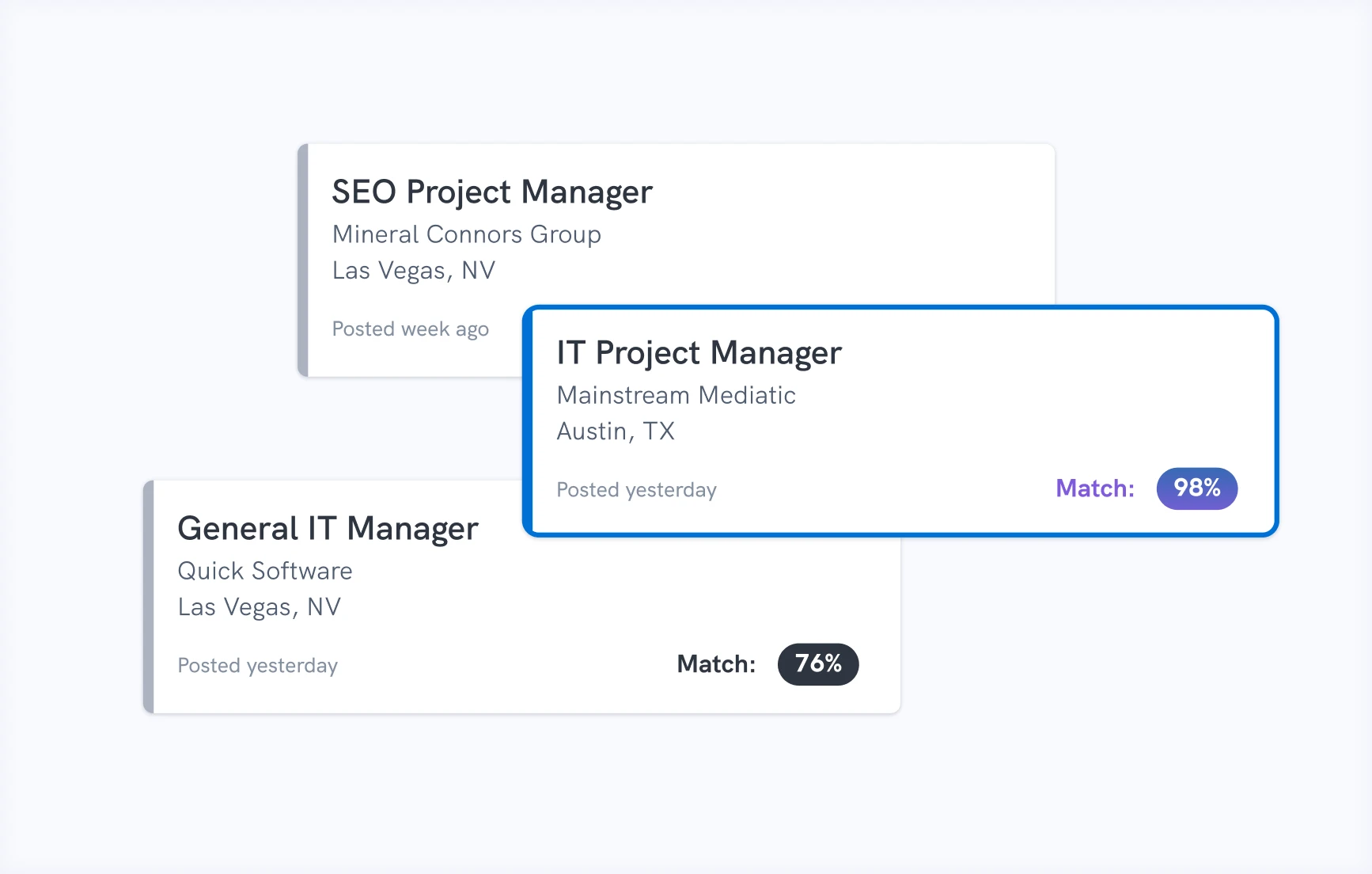
Discover roles that truly fit your skills and experience with just a few clicks. Our instant job matches connect you to open positions tailored to your background, making it easier to focus on opportunities that matter to you.
Frequently Asked Questions About CV Templates
What is the difference between a CV and a resume?
The difference between a CV and a resume lies in their purpose, length, and level of detail. Let’s break it down:
- Purpose: In the U.S., a CV is commonly used for roles in academia, research, or government, while a resume is the standard document to apply for most jobs.
- Length: A CV is a comprehensive record of your academic, professional, and personal achievements, often multiple pages long. A resume is a concise, one- to two-page summary of your work experience, skills, and accomplishments.
- Detail: CVs tell the full story of your career, while resumes focus on the most relevant information to impress hiring managers quickly.
What is the best CV format in 2026?
The best CV format for 2026 is the chronological CV, as it remains the most widely accepted choice. This format clearly presents your experience, education, skills, and achievements in a logical order, making it well-suited for academic, research, and government roles where detail and structure matter most.
As an alternative, a skills-based CV can work well if your strongest asset is a broad or transferable skill set, or if you’re transitioning into a new field. While less traditional, it allows you to highlight competencies upfront when your work history is less significant.
What is the best template for a CV in 2026?
The best CV template for 2026 is one that looks professional, modern, and easy to read. Since CVs are often longer than resumes, a strong template should support multiple pages while maintaining a clean, consistent layout.
With Zety’s online CV Builder, you don’t have to worry about formatting or compatibility. All CV templates automatically adapt to your content, ensuring your document stays polished, structured, and professional.
What should I include in a CV?
A CV should include the following sections:
- Personal information: Your name, contact details, and relevant professional links
- CV personal statement: A strong introduction that summarizes your background and expertise
- Work experience: A detailed overview of your roles, responsibilities, and achievements
- Education: Your academic background, including degrees, institutions, and dates
- Skills: A list of relevant technical and professional skills
- Additional sections: Publications, certifications, awards, research, or other accomplishments
Because CVs are typically more detailed than resumes, each section should be carefully developed. For step-by-step guidance, see our complete guide on how to write a CV.
How long should a CV be?
The ideal CV length depends on your experience and the role you’re applying for. For most professional roles, a CV is typically two to four pages long, depending on your background and achievements.
In academic or research positions, there’s often no strict length limit. Detailed CVs, sometimes even 10 pages or more, are common and expected.
Do I need a cover letter with my CV?
While a cover letter isn’t always required, we recommend including one with your CV. A cover letter lets you expand on the details in your CV and demonstrate your motivation for the specific role.
For a polished, cohesive look, ensure your CV and cover letter share a consistent design. Our professional cover letter templates make this easy.
Can I make an academic CV with these templates?
Yes, you can make an academic CV with any of our templates. Academic CVs often include detailed sections for research, publications, presentations, teaching experience, and awards. With Zety’s templates, you can expand your CV to multiple pages while keeping the layout clean and organized.
Should I save my CV as a PDF or a Word file?
You should always save your CV in PDF format. This file format will ensure your CV template maintains its layout and that all information displays correctly, even if the employer is using a different device or software than you are.
In our builder, you can download CV templates as Word documents for editing later or as PDFs for immediate sending.
Are the CV templates good for applying for jobs outside North America?
Yes, our CV templates are suitable for applying to jobs worldwide. While the distinction between a CV and a resume varies around the world, our templates follow the traditional CV structure while remaining flexible.
You can add extra pages, include a photo where appropriate, and customize each section to align with local expectations.
Are Zety’s CV templates free?
All of Zety’s CV templates are free to use and fully customizable online. You can create as many CVs as you like until you’re completely satisfied with the result without paying a cent.
At Zety, we believe in letting you try before you buy, and you won’t be asked for payment until your CV is ready to send to employers. You can also download your CV as a TXT file for free at any time.
Our pricing starts at just $1.95, with a 14-day money-back guarantee if you’re not completely happy with the service. Check out all of our plans on our pricing page.
Last updated:
CV Templates for 2026
Transform your career today and join thousands of satisfied users
*The professionals using our tools have previously been employed by these organizations.