
Your curriculum vitae (CV) is often your first chance to show employers who you are, so the way you present it matters.
The right format can highlight your strengths and make it easy for hiring managers to follow your career story. In this guide, you’ll learn what goes into a strong CV, explore the most common ways to format one, and get simple tips to make your layout clean and professional.
By the end, you’ll know exactly how to choose a format that helps your experience stand out.
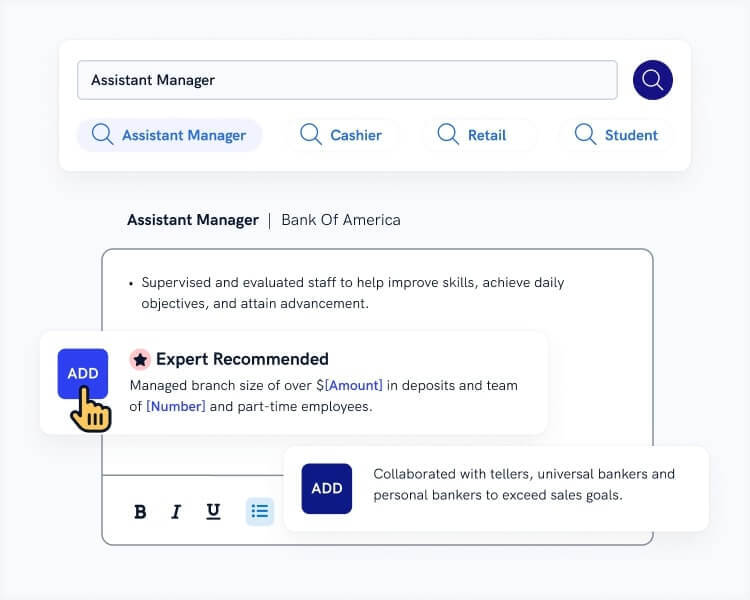
Want to save time and have your CV ready in 5 minutes? Try our CV builder. It’s fast and easy to use. Plus, you’ll get ready-made content to add with one click. See 20+ CV templates
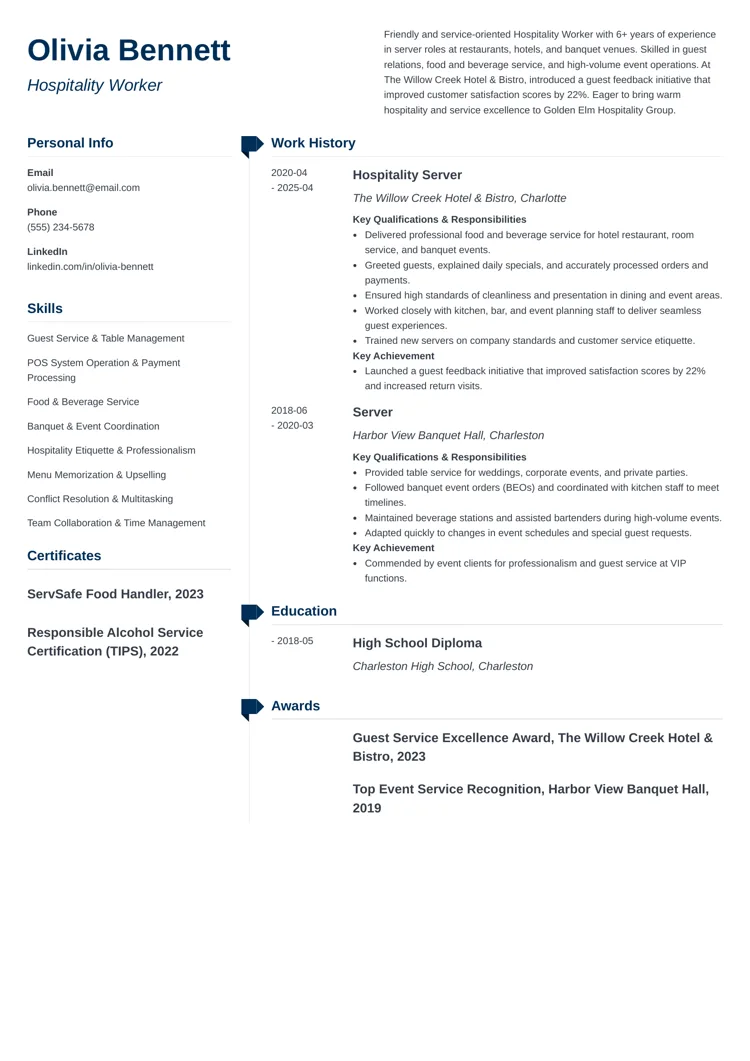
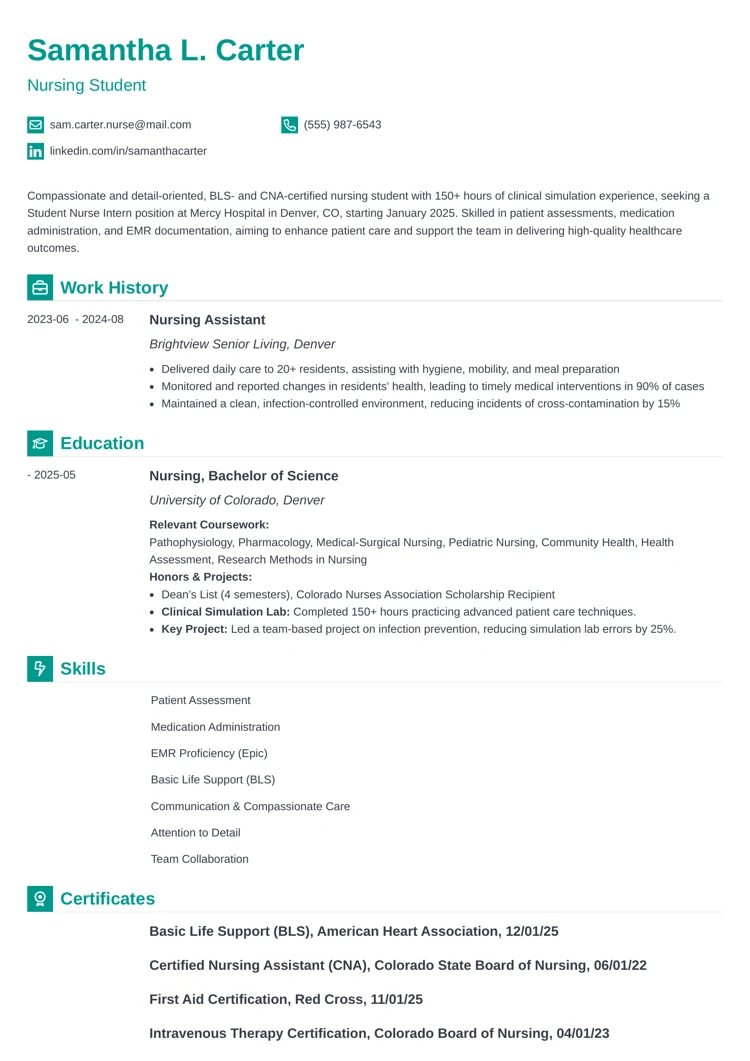
Sample CV made with our builder—See more CV examples here.
A CV, or curriculum vitae, is a document that gives a complete overview of your professional and academic life. It lists your work history, education, skills, and achievements all in one place.
CVs are often used when applying for international roles. In the U.S., they’re usually only required in fields such as academia, law, research, and medicine, where employers expect a longer, more detailed record of your professional background.
A good CV is clear, organized, and easy to read, so hiring managers can quickly understand who you are and what you’ve done.
While similar, resumes and CVs differ in three ways:
A standard CV format for a job should include at least five sections. Let's break them down:
That’s the part you don’t want your recruiter to miss. Your contact information should list the following:
Your personal statement is a three- to four-sentence summary of your most impressive skills and experiences. If you're applying for an academic or research position, mention a notable publication. Here's an example:
Early-career environmental scientist specializing in urban ecology and sustainable development. Published an article in Environmental Research Letters (2023) on the role of urban green spaces in supporting pollinator populations. Experienced in translating research into actionable policy and leading cross-disciplinary projects that promote resilient, environmentally responsible cities. Skilled in quantitative analysis, GIS mapping, and stakeholder engagement. Committed to advancing evidence-based solutions that balance ecological, social, and economic priorities.
The professional experience section is where you show what you’ve done and what you can do.
Start with your most recent job and work backward. For each role, include your job title, the company or organization, the location, and the dates you worked there. Use bullet points to highlight your key responsibilities, achievements, and skills.
Focus on results whenever possible. Numbers, improvements, or successful projects make your experience stand out. Keep the language clear, active, and easy to read so hiring managers can quickly see your strengths.
See this example:
Urban Ecology Research Assistant
University of California | Berkeley, CA
August 2022 – Present
The education section shows your academic background and helps employers see your qualifications. List your degrees in reverse-chronological order, starting with the most recent.
Include the degree name, school or university, location, and graduation year. You can also add honors, relevant coursework, or key projects if they strengthen your application. Keep the information clear and easy to read.
For example:
Master of Science in Environmental Science
University of California | Berkeley, CA
June 2022
Bachelor of Science in Biology
University of Florida | Gainesville, FL
June 2020
The skills section highlights what you can do and what sets you apart. Include a mix of hard and soft skills.
Focus on skills that are relevant to the job or field you’re applying to. Use short, clear phrases rather than complete sentences, and organize them in bullet points. Keep the section concise, but make sure it clearly shows your strengths at a glance.
Every CV has the core sections we discussed, but most also include additional sections that help tell your complete career story. Add any of these sections where they apply:
The key to writing an effective CV is choosing the right format. There are two main options: the chronological CV and the skill-based CV.
The chronological format is preferred by most recruiters and hiring managers. It highlights your professional experience, making it easy for employers to see what qualifies you for the role. This format is also straightforward for applicant tracking systems (ATS) to scan.
The skill-based CV format emphasizes relevant skills rather than work history. It organizes skills by category and lets you showcase your abilities even if you have limited work experience. This format works well for career changers, freelancers, or anyone looking to highlight specific expertise.
Regardless of the format you choose, the key is to highlight your qualifications and show that you're the right fit for the role.
Creating a CV with our builder is incredibly simple. Choose a CV template and follow our step-by-step guidance to have a professional CV ready in minutes.
When you’re done, Zety's CV Maker will score your resume and our ATS CV Checker will tell you exactly how to make it better.
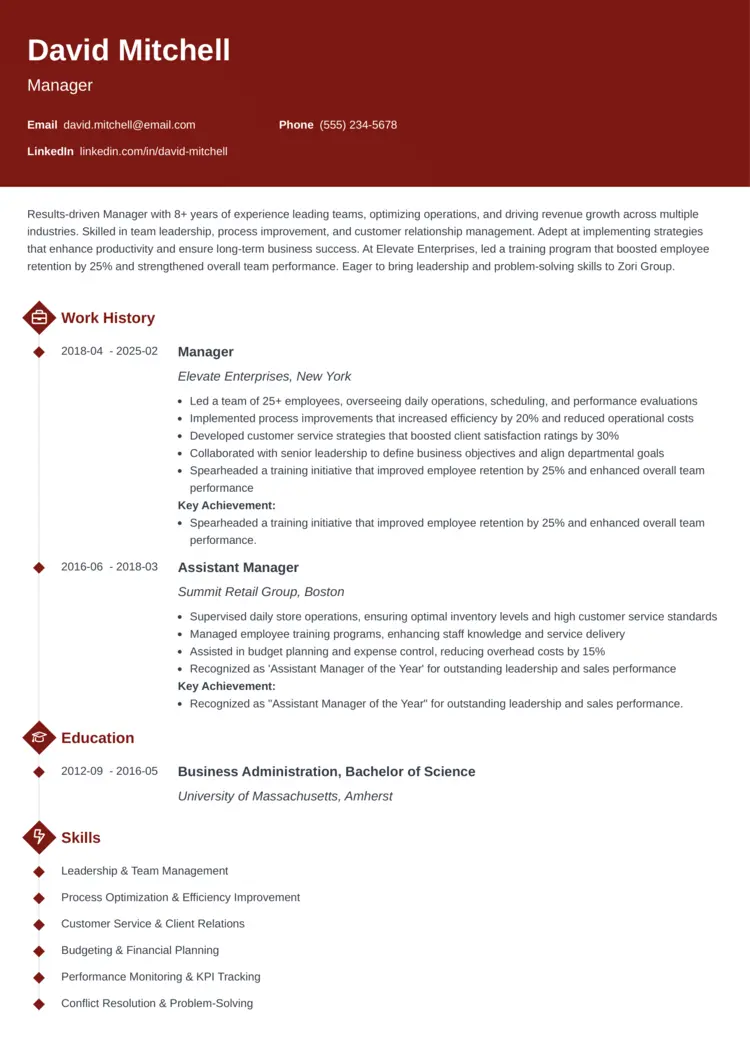
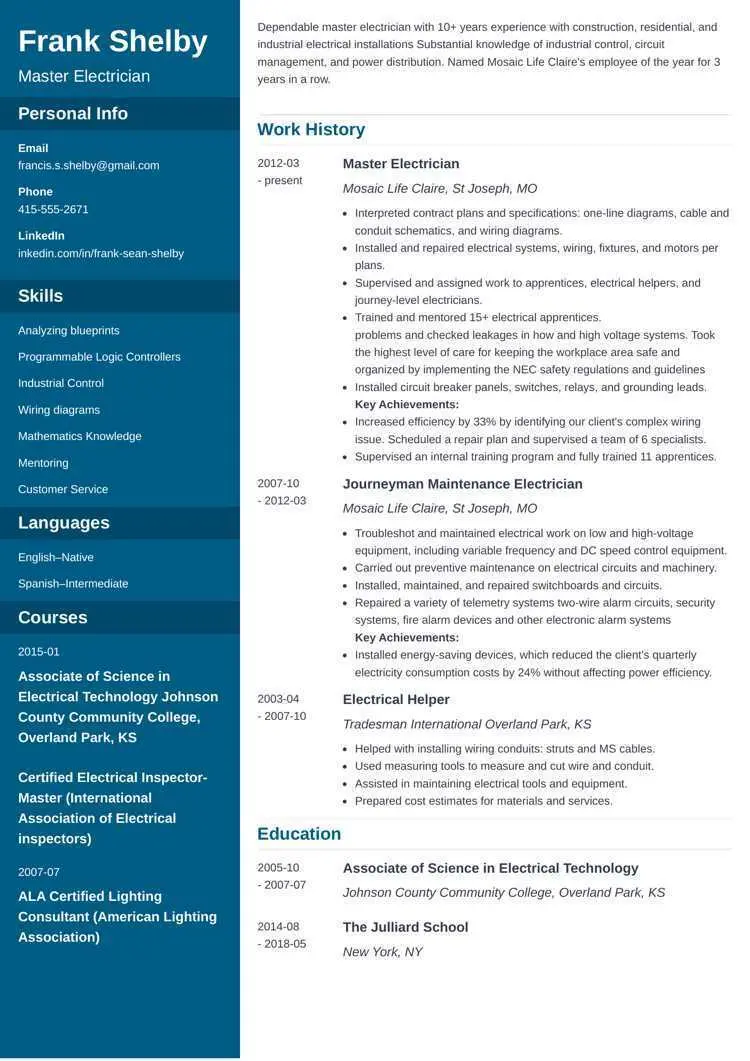
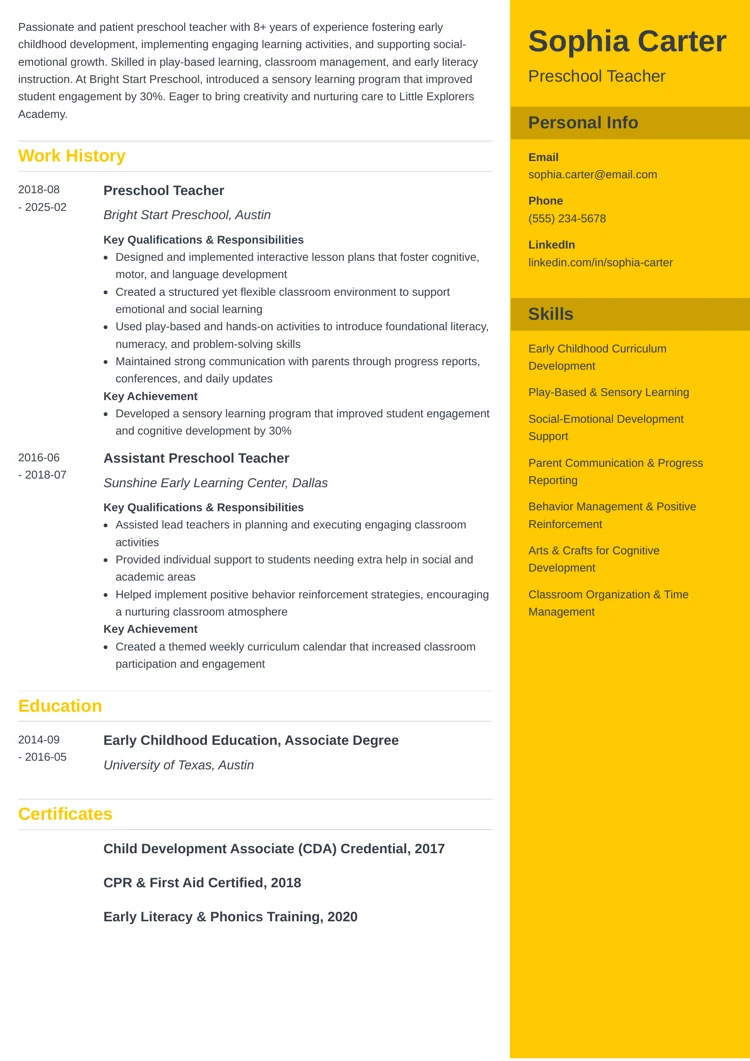
Our CV templates are professionally created to showcase your strengths and pass the ATS. Here are a few of our most popular job CV formats:
A well-formatted CV is easy to read, professional, and helps your most important information stand out. Keep these tips in mind:
Let's review some key points:
This article has been reviewed by our editorial team to make sure it follows Zety's editorial guidelines. We’re committed to sharing our expertise and giving you trustworthy career advice tailored to your needs. High-quality content is what brings over 40 million readers to our site every year. But we don't stop there. Our team conducts original research to understand the job market better, and we pride ourselves on being quoted by top universities and prime media outlets from around the world.
Content Writer
Natalia is a Content Writer based in Puerto Rico and a Certified Professional Résumé Writer. She is dedicated to leveraging her writing expertise to help job seekers reach their career goals.
*The professionals using our tools have previously been employed by these organizations.
**Data based on a 12-month period (February 1, 2025 – January 31, 2026).